Setting the log archiving period - AXM Classic
- AXM Classic open.
- Click the orange AXM button
 .
. - AXM bar opens.
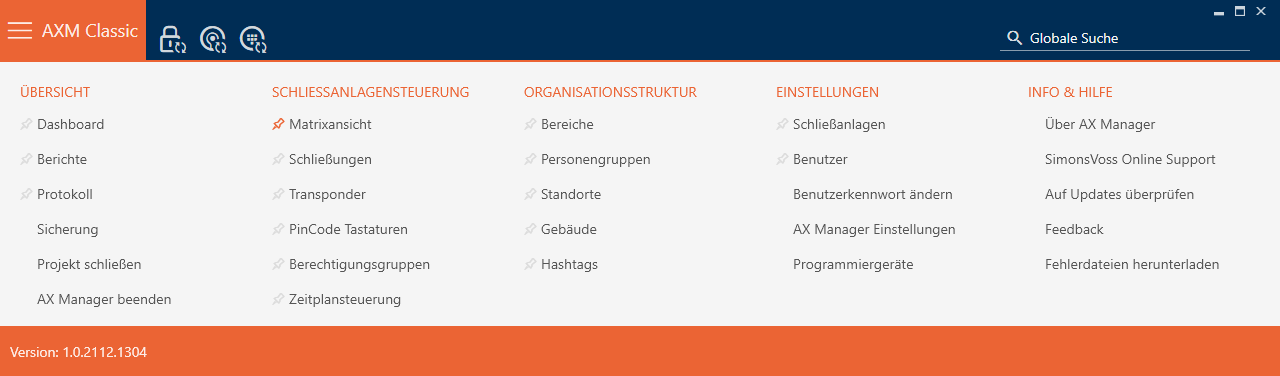
- Select the entry in the group.
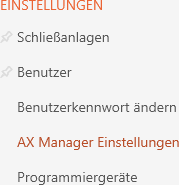
- The AXM bar will close.
- The window with the AXM Classic settings will open.
- Go to the tab.
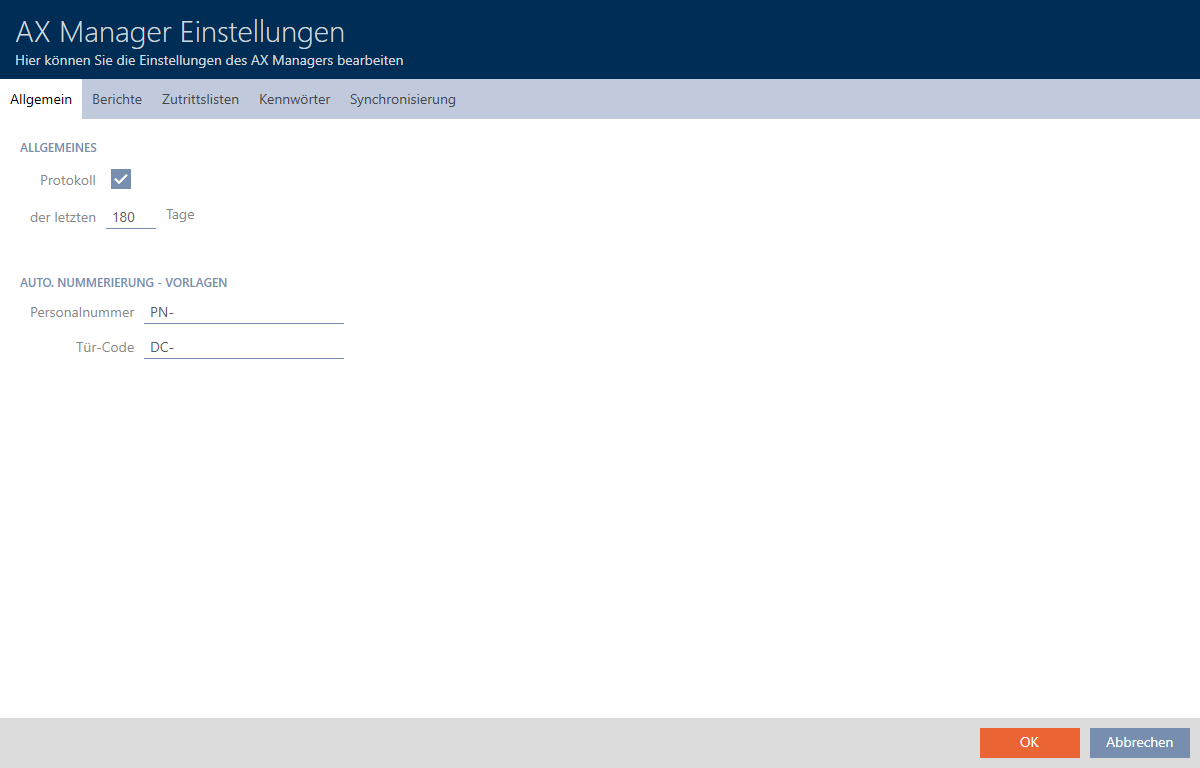
- If you do not wish to log the changes to the database at all: Activate the
 Protocol checkbox.
 - Enter the required archiving period (max. 670 days).
- Click on the button.
- The window with the AXM Classic settings closes.
- Protocol is limited to the required duration.