Deleting and replacing a card/transponder - AXM Classic
- AXM Classic open.
- Identification media list or matrix open.
- Identification medium at hand.
- Replacement identification medium at hand.
- Suitable programming device connected.
- Use
 to sort/filter the displayed entries if required (see Sorting and filtering).
 - Flag the defective identification medium.
- Click the
 button in the section.
 - Wizard for handling a defective identification medium will open.
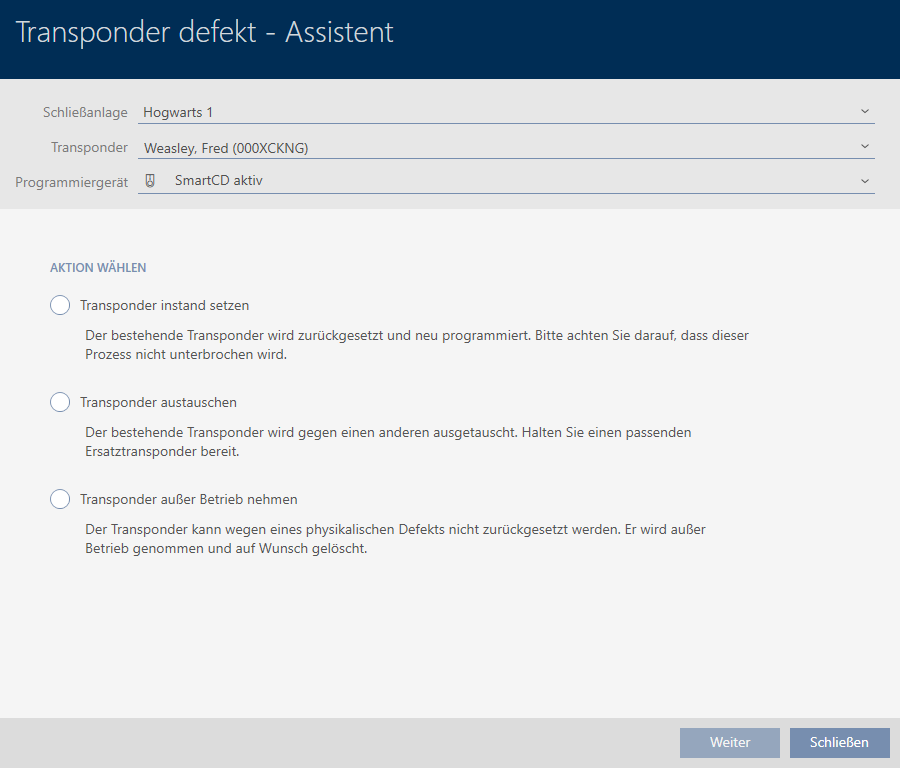
- Select the option
 Replace transponder.
 - Click on the button.
- Reset query will open.
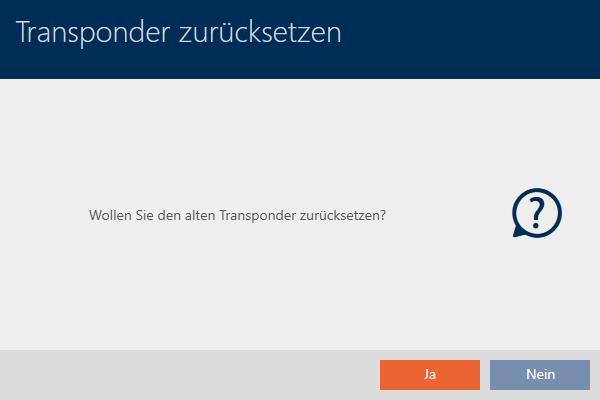
- Click on the button.
- Reset query will close.
- Message on checking the defect will open.
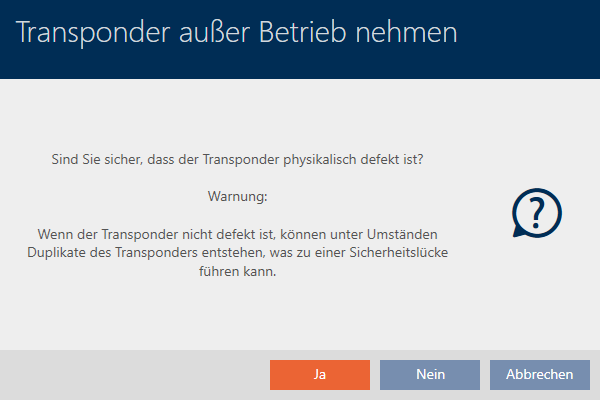
- Click on the button.
- Message on checking the defect closes.
- Wizard prepares programming for the replacement identification medium.

- Click on the button.
- Replacement identification medium is synchronised.
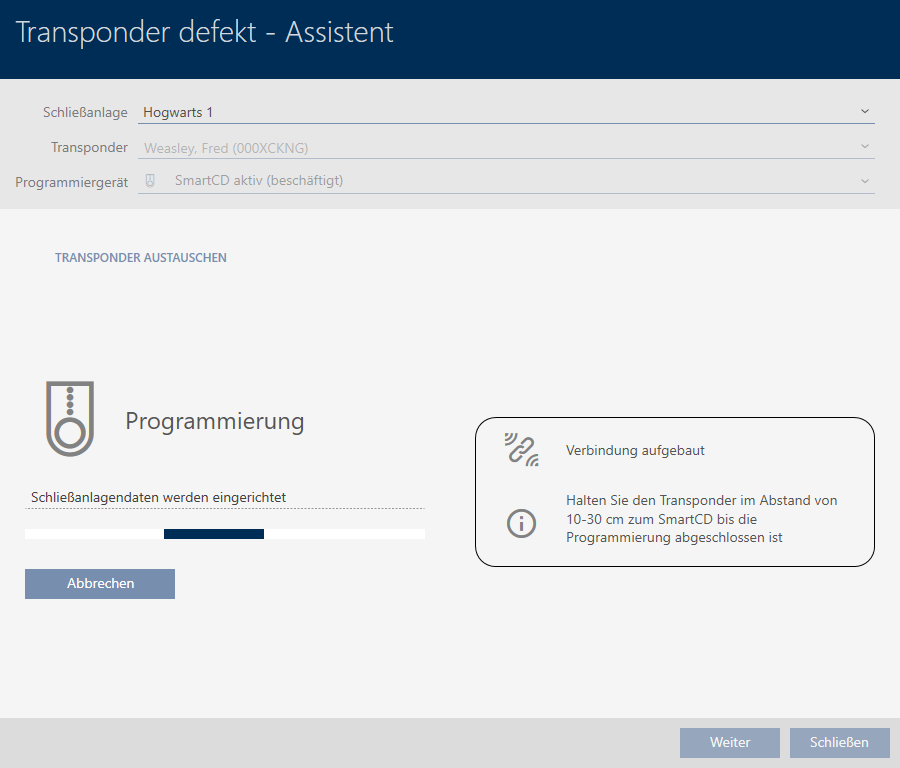
- Replacement identification medium is now synchronised.

You can now reset the identification medium (see Deleting an identification medium).