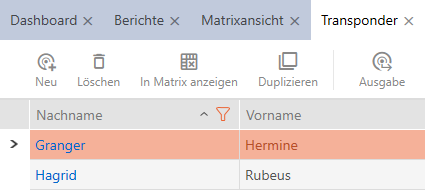
Sorting and filtering - AXM Classic
Large lists and tables can become confusing.
The AXM Classic provides you with sorting and filtering functions to simplify things.
Sorting
- Click on one of the column or row headings.
- Entries will then be sorted by this column/row.
- Click on the same heading again.
- The sort order is reversed.
Filtering
- Click on the
 button in one of the displayed column or row headers.
 - The filter menu will open.
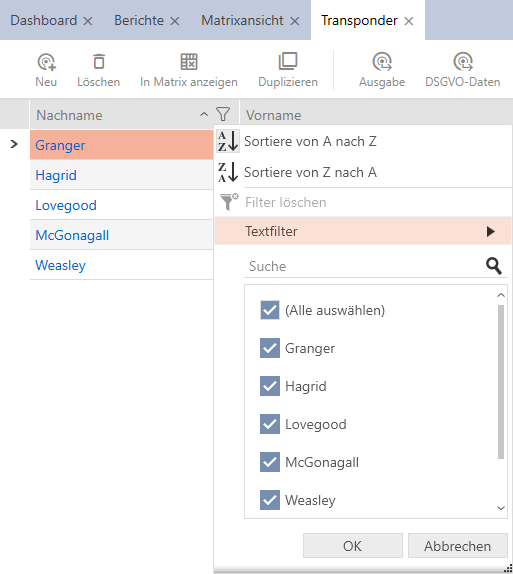
- Adjust the filters.
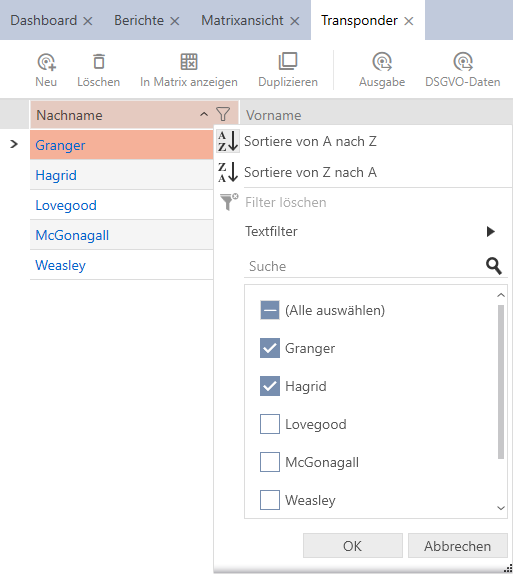
- Click on the button.
- The filter menu will close.
- Entries will now be filtered when displayed.