Muting all locking devices for a transponder or a card - AXM Classic
- AXM Classic open.
- Identification medium available.
- Click on the identification medium you wish to mute.
- The identification medium window will open.
- Click on the tab.

- Window switches to the tab.
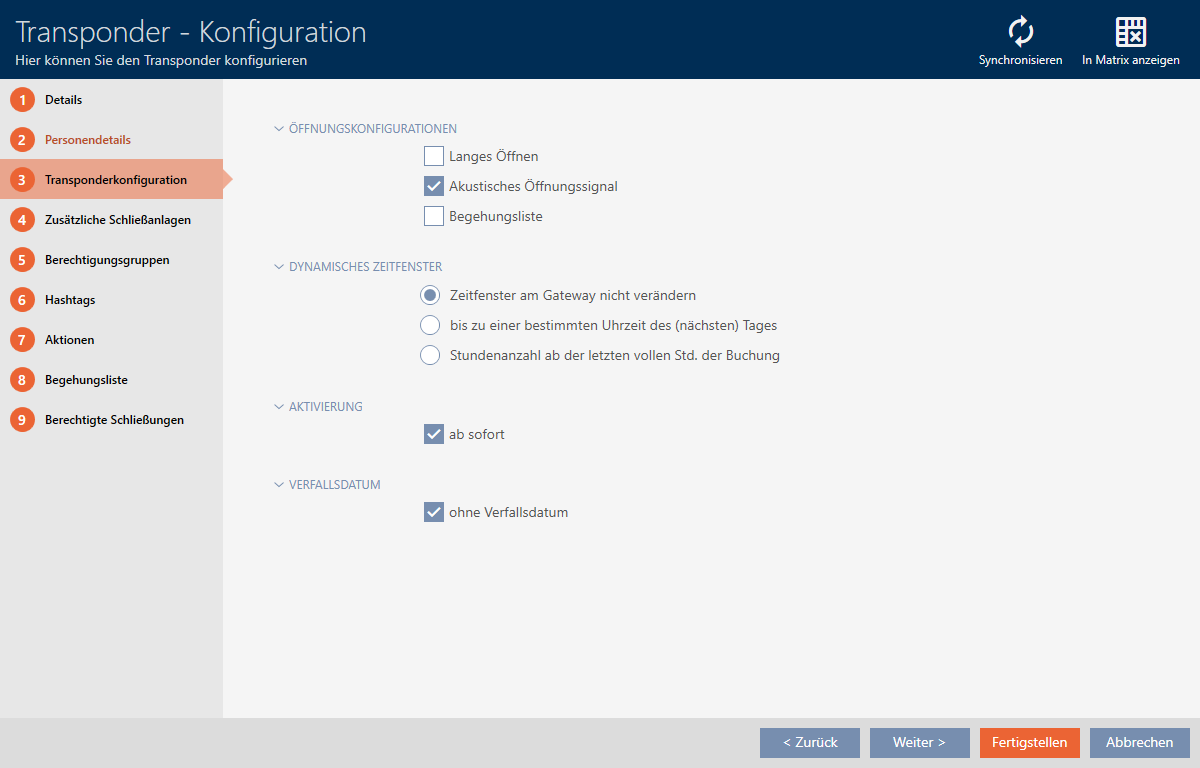
- Activate the
 Acoustic opening signal checkbox.
 - Click on the button.
- The identification medium window closes.
- All locking devices are now muted for this identification medium.