Deleting schedules - AXM Classic
- AXM Classic open.
- Schedules are no longer assigned to a locking device (see Adding locking devices to the schedule for instructions on how to edit assigned locking devices).
- Click on the orange AXM icon
 .
. - AXM bar opens.
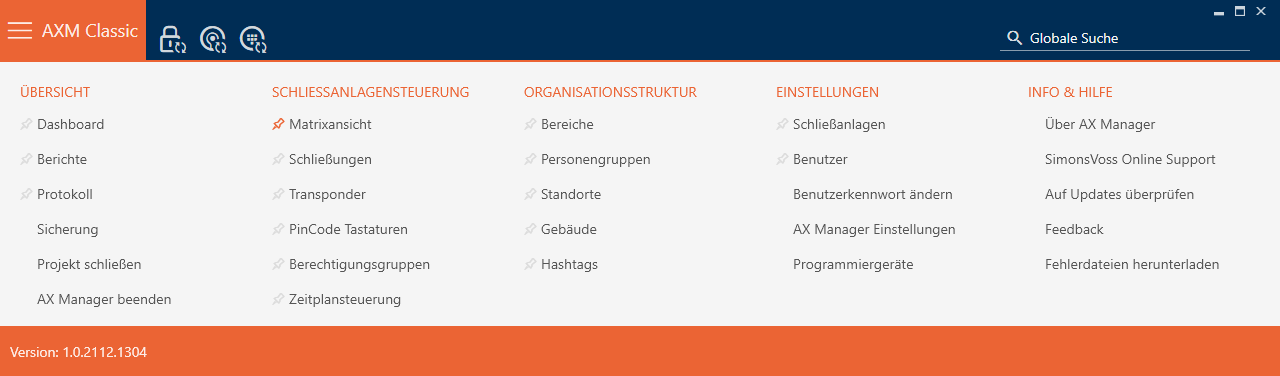
- Select the entry in the group.
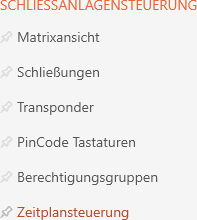
- The AXM bar will close.
- The tab will open.
- Click on the
 button.
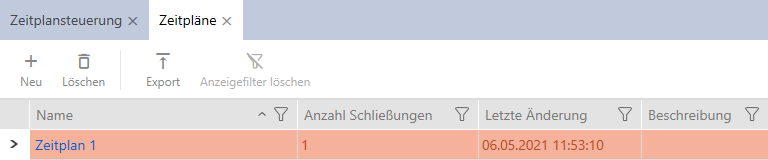
- The tab will open.
- Use
 to sort/filter the displayed entries if required (see Sorting and filtering).
 - Select the schedules you wish to delete (Ctrl+click for individual schedules, Shift+click for multiple schedules).
- Click on the
 button.
- Schedules are now deleted.
