Pinning tabs - AXM Classic
Experience has shown that you need some entries from the AXM bar more frequently.
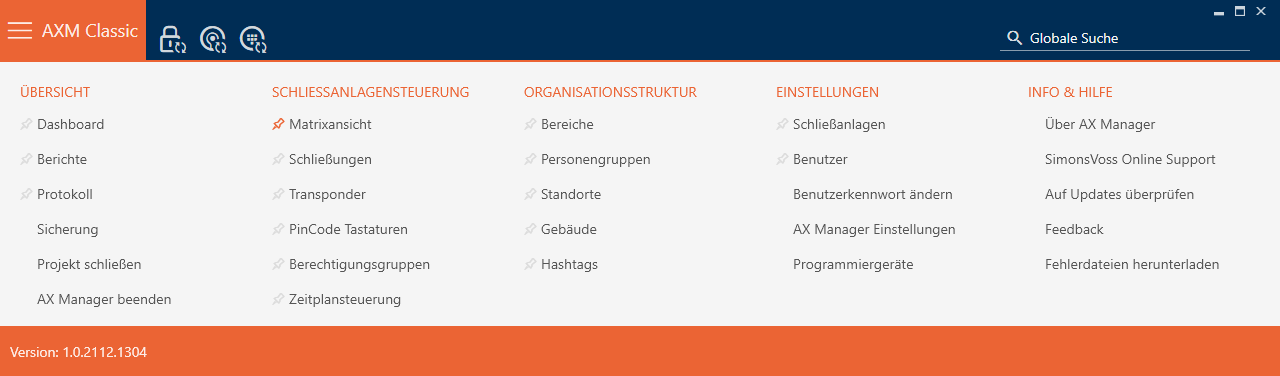
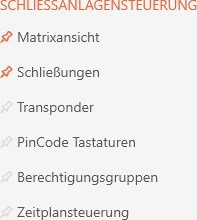
You will see a grey pushpin next to some entries. You can use this pushpin to pin the entry in question and open it automatically the next time you start AXM Classic.
Start ( entry not pinned) | Start ( entry pinned) |
|---|---|
|
|
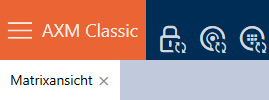
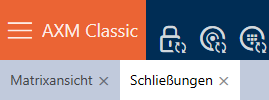
- AXM Classic open.
- Click the orange AXM button
 .
. - AXM bar opens.
- Click on the grey pushpin
 next to the entry you wish to pin.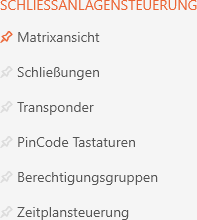
- Pushpin turns orange.
- The pinned entry is automatically opened the next time the AXM Classic is started.