Configure Node IO - Step-by-Step WO
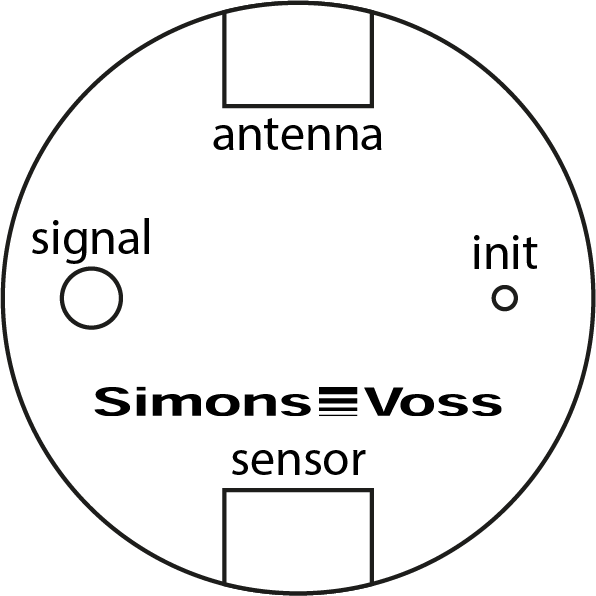
- Connect the sensor cable (WN.LN.SENSOR.CABLE) to the SmartIntego Node IO (socket "Sensor").
- Right-click on the navigation root (WaveNet_XX_X).
- The window Administration opens.
- Select one of the options:
 Find Chip ID, Search master segment or Update topology.
 - Click on the button OK.
- Window Administration closes.
- Follow the instructions to set up SmartIntego Node IO.
- SmartIntego Node IO configured.
SmartIntego Node IO is a WaveNet component only. It therefore does not need to be programmed in the SmartIntego tool (WO).
Please refer to the integrator documentation for the exact connection assignment of the sensor cable.