Carry out emergency opening - Step-by-Step WO
- SmartIntego-Tool (WO) opened.
- In the navigation area, click the entry for the locking device you want to open.
- Locking device properties open.
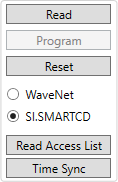
- Select the option
 SI.SmartCD.
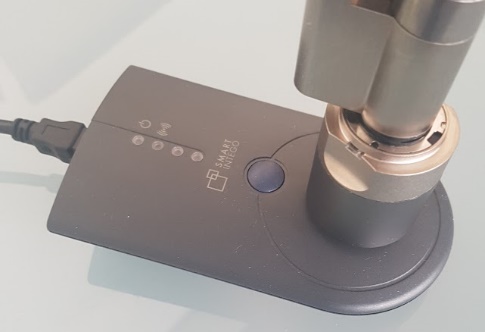
 - Position the programming device on the locking device (example: locking cylinder).
- Click on the Emergency Opening button.
- SmartIntego tool performs emergency opening.
- The locking device engages briefly (duration depends on the normal engagement time, see Set coupling duration).
NOTE

Emergency opening for cylinders on both sides
An emergency opening on a cylinder with a reader on both sides only engages the master reader head (black ring behind the thumb-turn).