Change the password of the configuration website - Step-by-Step WO
Some browsers do not register any spaces included at the start of a password, so do not begin your password with spaces.
- Browser interface opened.
- Open the PASSWORD tab using ADMINISTRATION.
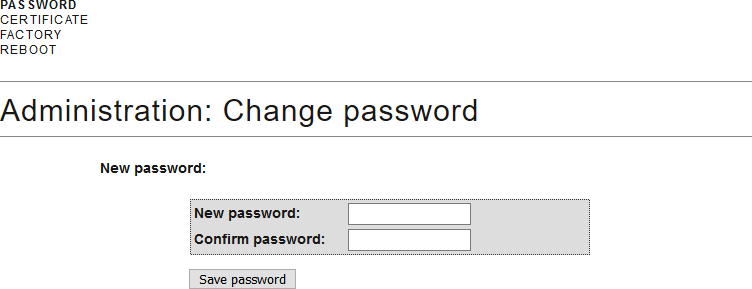
- Enter your new password.
- Repeat your new password.
- Click on the Save password button.
- Password is now changed.
NOTE

Loss of passwords
Your passwords are the basis for managing your locking system. Lost or publicly known passwords are a serious security risk and/or lead to loss of control over the system.
- Make a note of your passwords.
- Store your passwords in a safe place.