Setting the time on a single locking device - Step-by-Step WO
- SmartIntego-Tool (WO) opened.
- Locking device reachable via WaveNet.
- Click on the locking device entry in the navigation area.
- In the settings, click the button Time Sync.
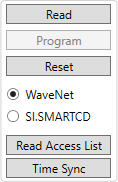
- Time is synchronized via WaveNet (approx. 10 seconds).
- Time is synchronized.