Open configuration page - Step-by-Step WO
The procedure is described for RouterNodes. Use the same procedure for SmartIntego GatewayNodes and MobileKey SmartBridges.
Change the default password after you launch for the first time.
- RouterNode IP known (see Determining and setting the IP address).
- Browser open.
- User credentials known for the browser interface (name and password).
- Enter the IP address in your browser’s address field.
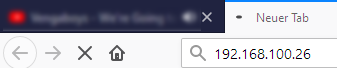
- Press the Enter key to confirm.
- The Authentication required window will open.
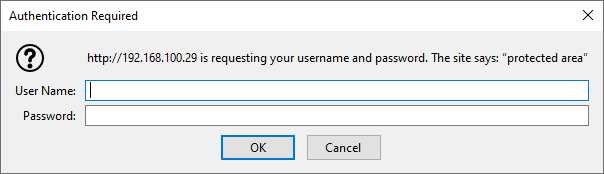
- Enter the login credentials.
- Click on the OK button.
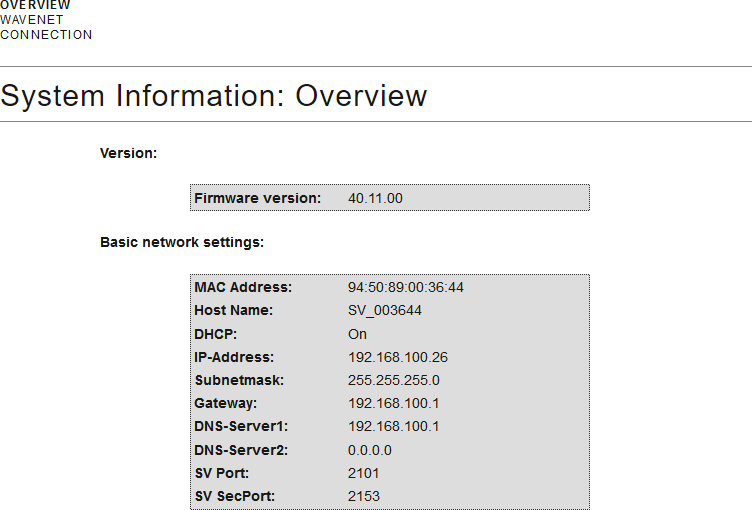
- The browser interface system overview is visible.
NOTE

Web interface can no longer be used with the default password with firmware 40.12 and above
The browser interface remains blocked in firmware version 40.12 or above until the default password has been changed.
- Change the default password.
- Browser interface is unblocked and settings can be changed.