Document system - Step-by-Step WO
Operating a digital locking system without system documentation is not practical. System documentation (whether on paper or digitally) greatly facilitates subsequent maintenance and modification work.
The system documentation must contain the following information:
Component information | Installation information | |
|---|---|---|
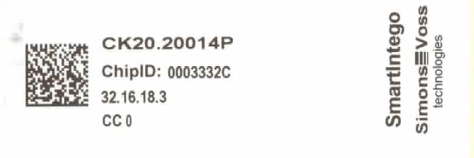
Source: Data matrix code on the packaging or the supplied sticker | Source: Environment or infrastructure | |
GatewayNode:
Locking device:
| ||
Optional but helpful: Deviations from the order code (e.g. subsequently modified cover for SmartHandles) |
| |

The finished documentation can look like this:
GatewayNode Name/IP | GatewayNode Information |
|---|---|
GatewayNode 1 |
|
GatewayNode 2 |
|
Door name | GatewayNode nearby | Locking plan information |
|---|---|---|
Door 1 | GatewayNode 1 |
|
Door 2 | GatewayNode 2 |
|
Door 3 | GatewayNode 3 |
|
... |
NOTE

Update deviating configuration according to topology (optimised)
If you  Update topology use the function
  SI-Manager Update topology: Optimised [offen] with the checkbox, SmartIntego Manager links the LockNodes in the locking devices with the GatewayNodes that are most easily accessible.
The real configuration may then differ.
- In this case, use the exported WO configuration file (ConfigData.csv) from the SmartIntego tool.