Resetting the LockNode - Step-by-Step WO
- SmartIntego Manager opened.
- Locking device reset (see Re-set locking device).
- Locking device reachable via GatewayNode.
- In SmartIntego Manager, right-click the LockNode entry.
- The window Administration opens.
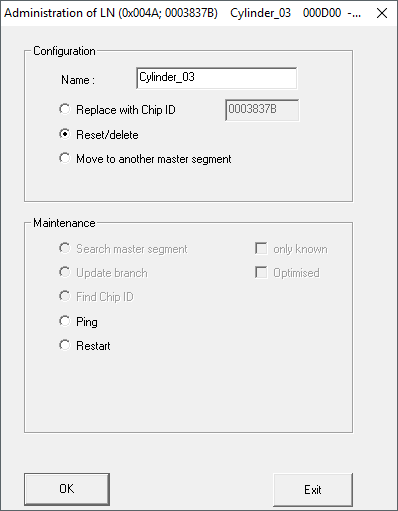
- Select the option
 Reset/delete.
 - Click on the button OK.
- Warning message appears.
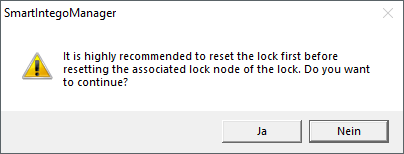
- Confirm the warning message.
- LockNode is reset.
- Click on the button Save.
- Click on the Exit button.
- SmartIntego Manager closes.
- LockNode is reset.
After the locking device and LockNode have been successfully reset, the locking device can be used in another project.