Create construction site whitelist - Step-by-Step WO
Reading individual cards
- SmartIntego-Tool (WO) opened.
- Programming device (SI.SmartCD) connected.
- In the navigation bar, select the entry Construction Site Whitelist.
- Administration of the construction site whitelist opens.
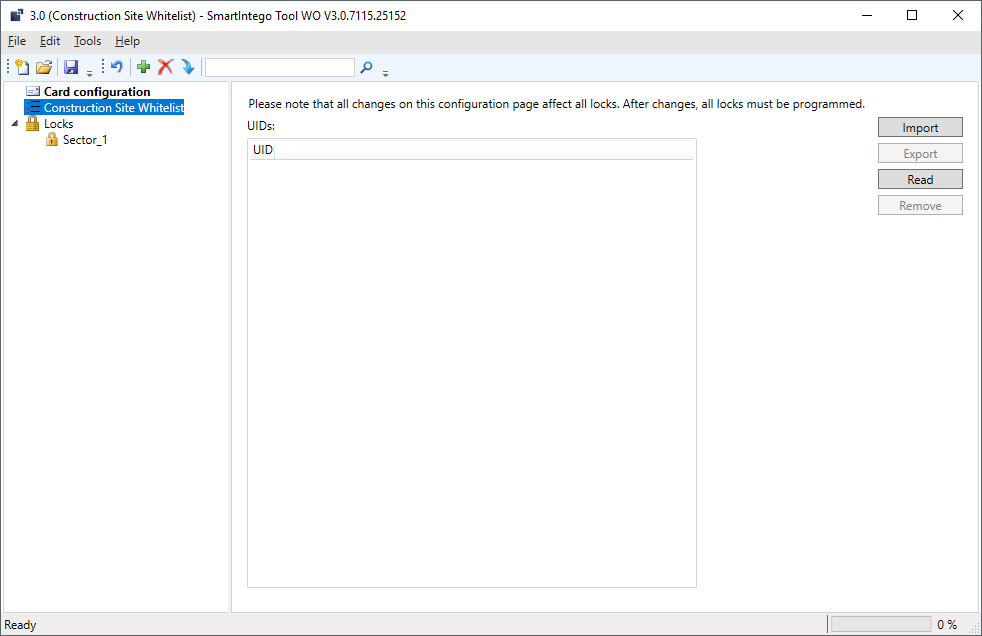
- Place the card on the programming device (SI.SmartCD).
- Click on the Read button.
- The window Read White List opens.
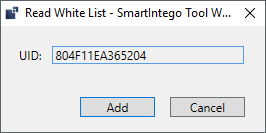
- Click on the Add button.
- Card read is added to construction site whitelist.
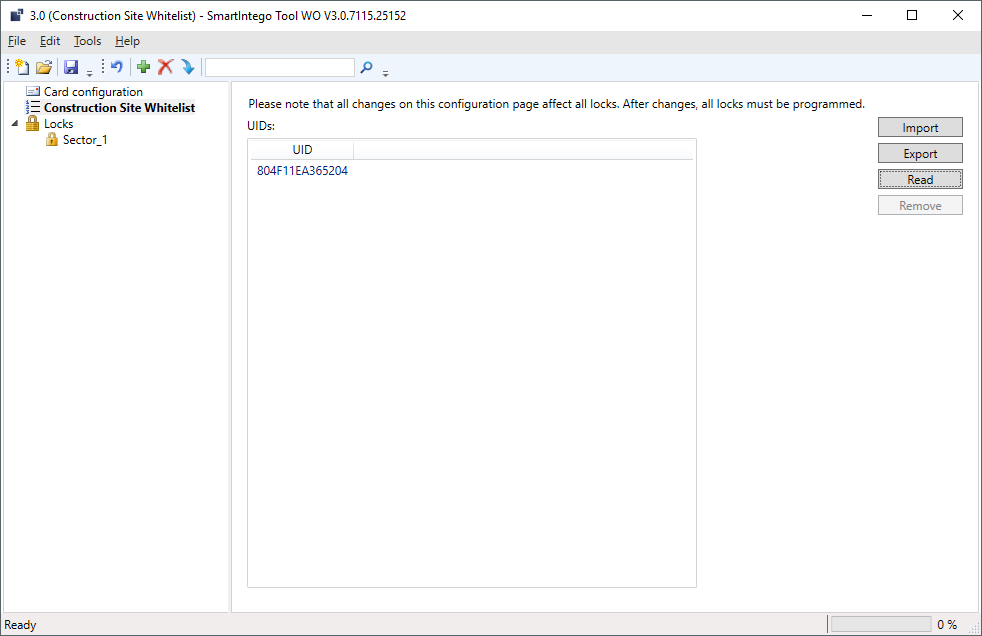
Import entire list
Alternatively, you can import a list with the UIDs of the cards. The file must have the extension *.uid and look like this (first line UID, the following lines the UIDs of the cards):
UID
BD70855B
804F11EA2A3704
804F11EA2A3204
804F11EA2A5C04
- Click on the Import button.
- The Explorer opens.
- Navigate to your UID file.
- Click on the button OK.
- The Explorer closes.
- List with cards is added to construction site whitelist.
NOTE

Incompatibility of cards
When reading in the cards, no check for ISO 14443-A or ISO 14443-B is performed.
- Check that the boards are compatible with the settings in .