Check WaveNet - Step-by-Step WO
- SmartIntego Manager opened.
- Right-click on the navigation root (WaveNet_XX_X).
- The window Administration opens.
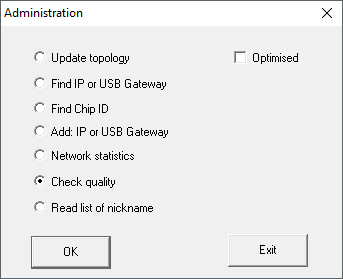
- Select the option
 Check quality.
 - Click on the button OK.
- Window Administration closes.
- The window Select node opens.
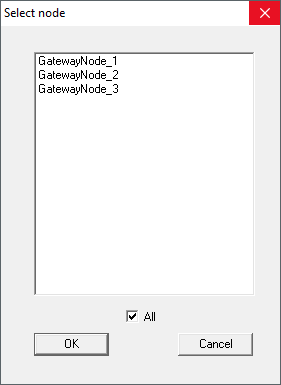
- Highlight the GatewayNodes you want to check.
- Click on the button OK.
- Window Select node closes.
- RSSI values are performed for each LockNode of the GatewayNodes.
- Values in the SmartIntego Manager tree view are updated.
- Click on the button Save.
- Click on the Exit button.
- Values are stored in the SmartIntego tool (WO).
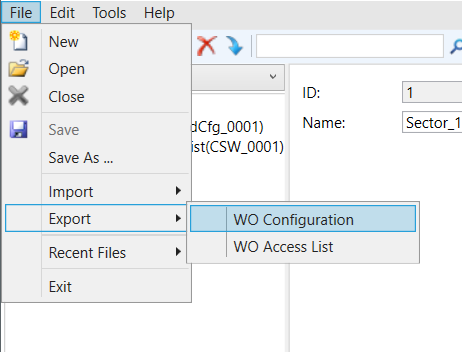
Exporting measurement results
You can export the measurement results with the configuration file.