WaveNet - WaveNet
Importing the WaveNet topology also removes reset LockNodes from LSM.
The segments of RouterNodes and CentralNodes/RouterNodes with Ethernet connection remain. You must remove these later:
- Remove RouterNodes from communication nodes or local connections
- Remove segments
Editing communication nodes
Proceed in the same way for local connections (if you are not using a CommNode server).
- RouterNodes and LockNodes are reset in the WaveNet Manager (see Best Practice: Reset with the WaveNet Manager and Best Practice: Resetting RouterNodes in the WaveNet Manager).
- WaveNet topology imported.
- LSM open.
- Via Network select the entry .
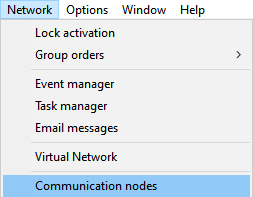
- Communication node overview opens.
- If necessary, use the
 ,
,  ,
,  and
and  buttons to select the communication node used for WaveNet.
 - The overview shows the entries of your RouterNodes that have not been deleted.
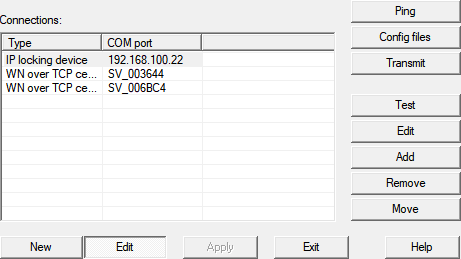
- Select your RouterNodes.
- Click the button Remove.
- RouterNodes are removed from the list.
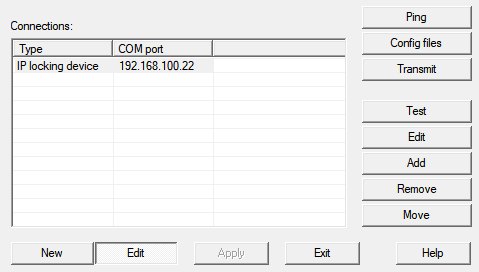
- Click on the Apply button.
- The window LockSysMgr opens.
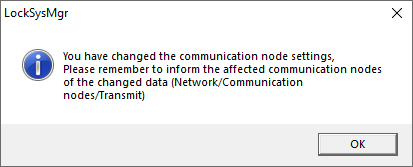
- Click on the OK button.
- The LockSysMgr window closes.
- Click on the Config files button.
- Click on the OK button.
- A query about the node-specific storage location opens.
- Click the button No.
- A query about the node-specific storage location closes.
- Confirmation message opens.
- Click on the OK button.
- Confirmation message closes.
- Click the button Transmit.
- Data is transmitted to the communication node.
- Confirmation message opens.
- Click on the OK button.
- Confirmation message closes.
Remove segments
- RouterNodes and LockNodes are reset in the WaveNet Manager (see Best Practice: Reset with the WaveNet Manager and Best Practice: Resetting RouterNodes in the WaveNet Manager).
- WaveNet topology imported.
- RouterNodes are removed from communication nodes or local connections.
- LSM open.
- Via Network select the entry .
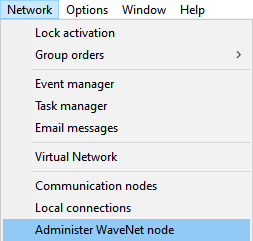
- The window Administer WaveNet node opens.
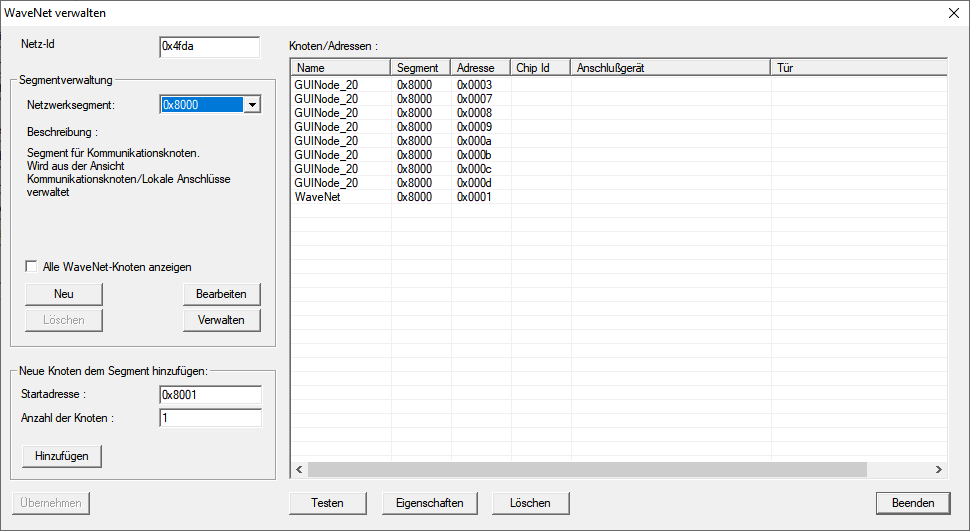
- In the dropdown menu select your network segment.
You can recognize the segment by the fact that there are no more entries in the table. 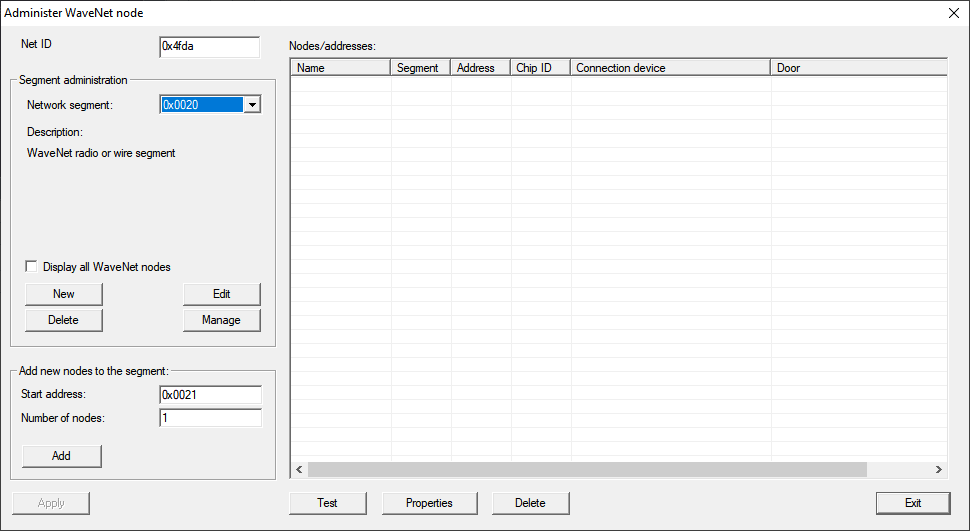
- In the area Segment administration click the button Delete.
- The window LockSysMgr opens.
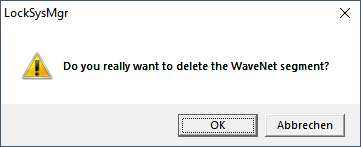
- Click on the OK button.
- The LockSysMgr window closes.
- Click on the Apply button.
- Segment is deleted.