Delete netcfg.xml - WaveNet
If you have problems with incorrect entries or your WaveNet, delete netcfg.xml before starting WaveNet Manager. The netcfg.xml may contain incorrect entries, especially if you are working with several WaveNet networks.
- WaveNet Manager not open.
- Navigate to the WaveNet Manager directory.
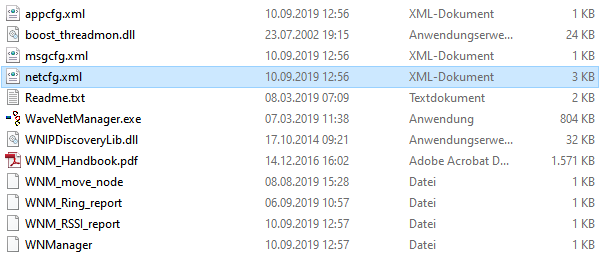
- Delete the file
netcfg.xml.
- You can start the WaveNet Manager (see Best Practice: From the LSM software).