Adding a RingCast - WaveNet
NOTE

Recalculating the RingCast
If you replace or delete a RouterNode in the RingCast or change its RingCast-relevant IO configuration, the RingCast is automatically recalculated after saving the changes and confirming the request.
- WaveNet Manager opened via LSM (see Best Practice: From the LSM software)
- RouterNodes and LockNodes connected to power.
- RouterNodes and LockNodes imported into WaveNet topology (see Finding and adding devices).
- RouterNodes for RingCast prepared (see Preparing RouterNode for RingCast).
- Right-click on the WaveNet XX_X entry.
- The window Administration opens.
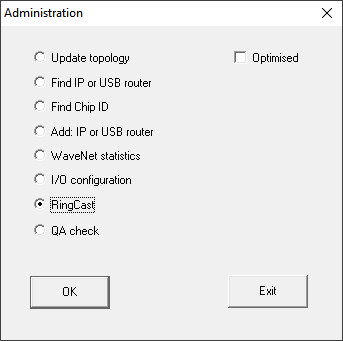
- Select the option
 RingCast.
 - Click on the button OK.
- The Administration window closes.
- The window Edit radio domains opens.
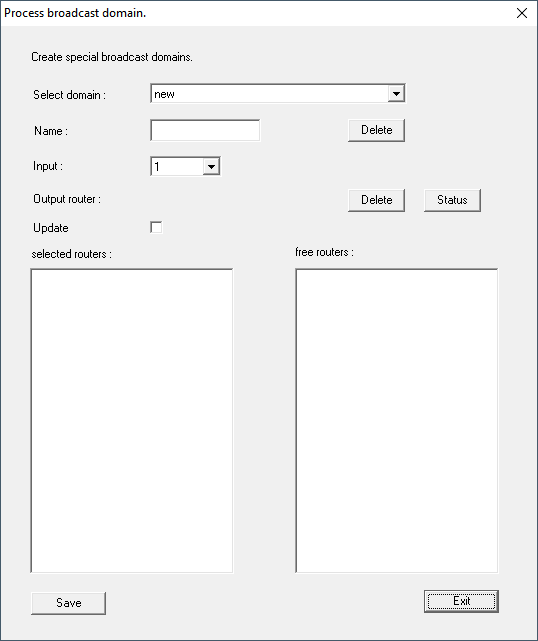
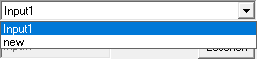
- In the dropdown menu select an input for which in you have selected RingCast.
- In the field selected routers all RouterNode2 appear for which at the beginning at you have selected the input RingCast (=Domain).
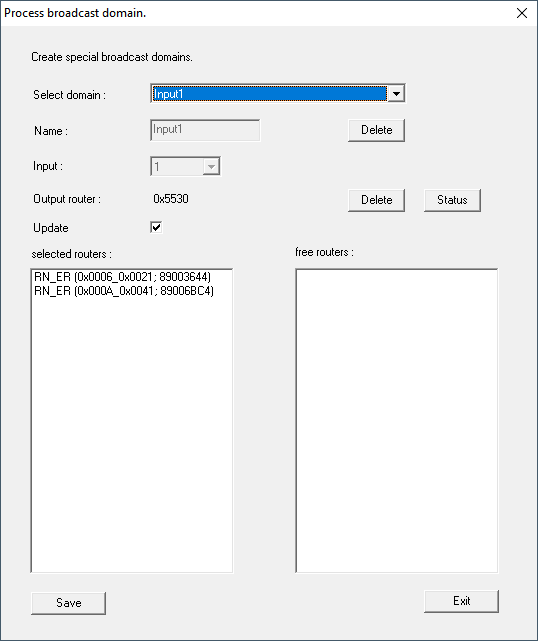
- Click the button Save.
- Click the button Exit.
- The Edit radio domains window closes.
- The window WaveNetManager opens.
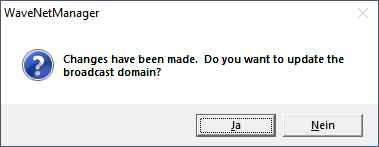
- Click on the button Yes.
- The WaveNetManager window closes.
- Changes will be updated.
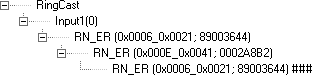
- The RingCast is created and will be visible in the WaveNet Manager after a short time.
Save the new settings and exit the WaveNet Manager.