RouterNodes - WaveNet
- WaveNet Manager opened via LSM (see Best Practice: From the LSM software)
- Right-click on the entry for the RouterNode you wish to replace.
- The window Administration opens.
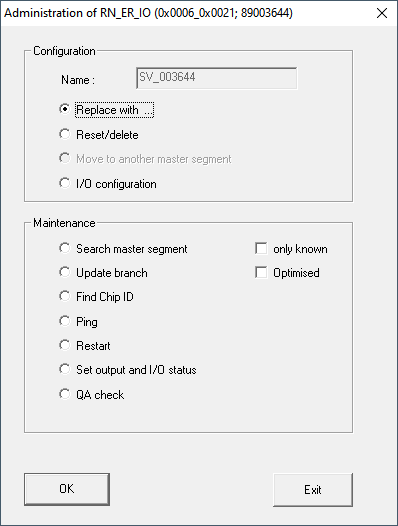
- In the area Configuration select the option
 Replace with ....
 - Click on the OK button.
- The Administration window closes.
- The window Add: IP or USB Router opens.
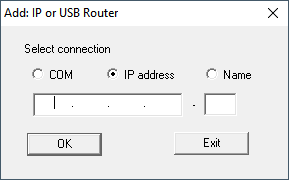
- Select the option IP address or Name.
- Check the IP address or name (and correct it if necessary).
- Click on the OK button.
- The window Add: IP or USB Router closes.
- If you use the IO functions in the RouterNode you want to replace: The window I/O configuration opens.
NOTE

Check IO configuration
Check the IO configuration. You can also set the IO configuration later (see I/O configuration and protection functions).
- Click on the OK button.
- The I/O configuration window closes.
- The window WaveNetManager opens.
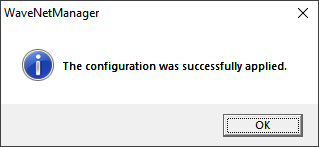
- Click on the OK button.
- The WaveNetManager window closes.
- RouterNode is replaced.