LockNodes - WaveNet
- WaveNet Manager opened via LSM (see Best Practice: From the LSM software)
- Right-click on the entry of the LockNode you want to replace.
- The window Administration opens.
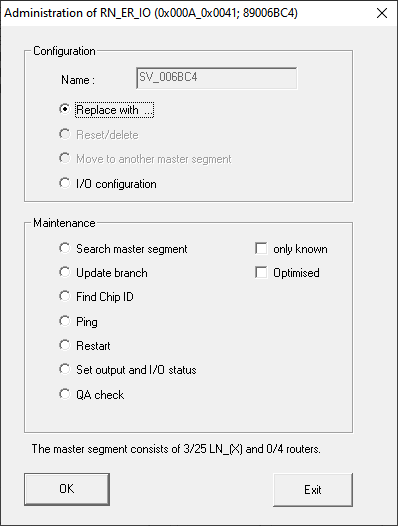
- In the area Configuration select the option
 Replace with Chip ID.
 - Enter the chip ID of the new LockNode (you will find the chip ID on the packaging of the LockNode or on the LockNode itself).
- Click on the OK button.
- The Administration window closes.
- The window I/O configuration opens.
NOTE

Check IO configuration
Check the IO configuration. You can also set the IO configuration later (see I/O configuration and protection functions).
- Click on the OK button.
- The I/O configuration window closes.
- The window Procedure started opens.
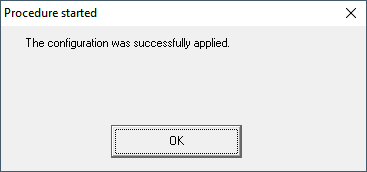
- Click on the OK button.
- The Procedure started window closes.
- LockNode is replaced.
Do not use replaced LockNodes within range of the WaveNet.