Restricted (select RouterNode directly) - WaveNet
- WaveNet Manager opened via LSM (see Best Practice: From the LSM software)
- RouterNodes/LockNodes within range.
- Right-click on the entry of the RouterNode from which you want to automatically search and configure.
- The window Administration opens.
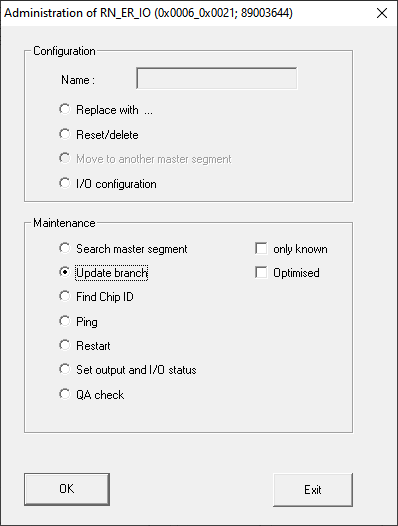
- In the area Maintenance select the option
 Update branch.
 - Click on the OK button.
- The Administration window closes.
- The Procedure started window opens temporarily.
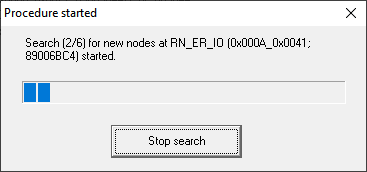
- Accessed devices (RouterNodes, LockNodes) are listed.
- Click on the button Save.
- Accessed devices (RouterNodes, LockNodes) are added.