Updating AXM - AXM Plus
With the latest AXM Plus, you have the best software and hardware support. This is why your AXM Plus checks whether updates are available and also offer them for installation every time it launches. Back up your database (see Creating a backup) before updating.
See Displaying version number and licence key for the AXM installed to view the currently installed version of your AXM Plus instead.
Obviously, you can also check manually whether an update is available and install it.
- Database backed up.
- Click on the orange AXM icon
 .
. - AXM bar opens.

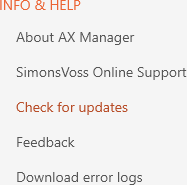
- Click on the entry in the group.
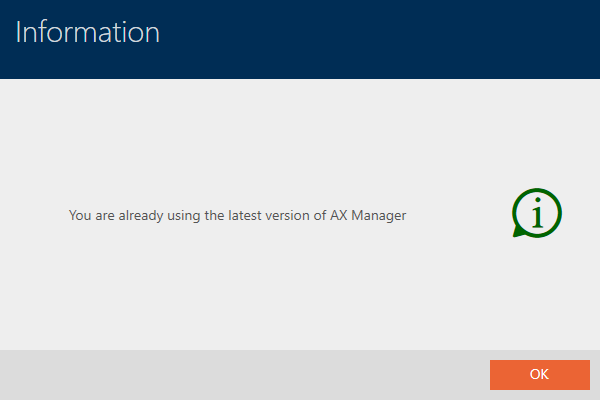
- If an update is available, it is displayed and offered for installation. If your AXM Plus is up to date, you will see this window: