Changing automatic numbering - AXM Plus
AXM Plus takes over the numbering of personnel and doors for you by default.
Personnel numbers | Door numbers |
|---|---|
|
|
PN-1 | DC-00001 |
PN-2 | DC-00002 |
PN-X | DC-XXXXX |
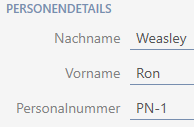
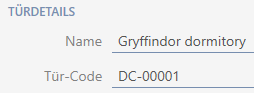
The abbreviations PN- (personnel number) and DC- (door code) can be changed in the AXM Plus properties:
- Click the orange AXM button
 .
. - AXM bar opens.

- Select the entry in the group.
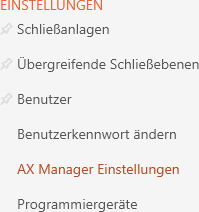
- The AXM bar will close.
- The window with the AXM Plus settings will open.
- Go to the tab.
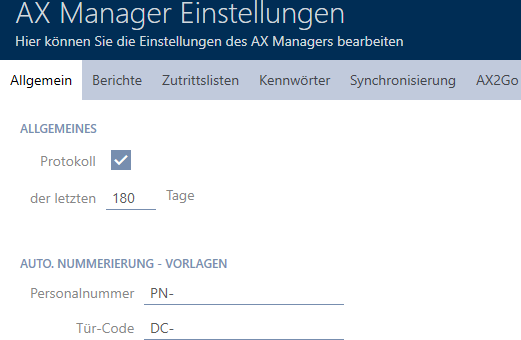
- Enter the required abbreviations in the or fields.
- Click on the button.
- The window with the AXM Plus settings closes.
- Personnel numbers and door codes will be generated with the modified abbreviation in the future.
- Existing personnel numbers or door codes will remain unchanged.