Execute tasks via WaveNet on multiple locking devices (collective orders) - AXM Plus
With the Sync Network Locks function, you may perform a task sequentially on several networked locking devices. It is no longer necessary to start the task for each locking device.
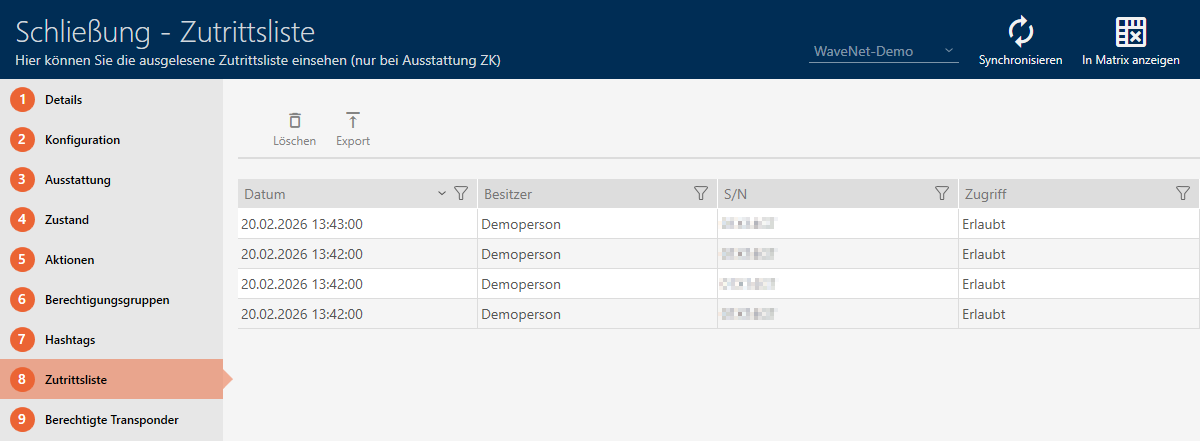
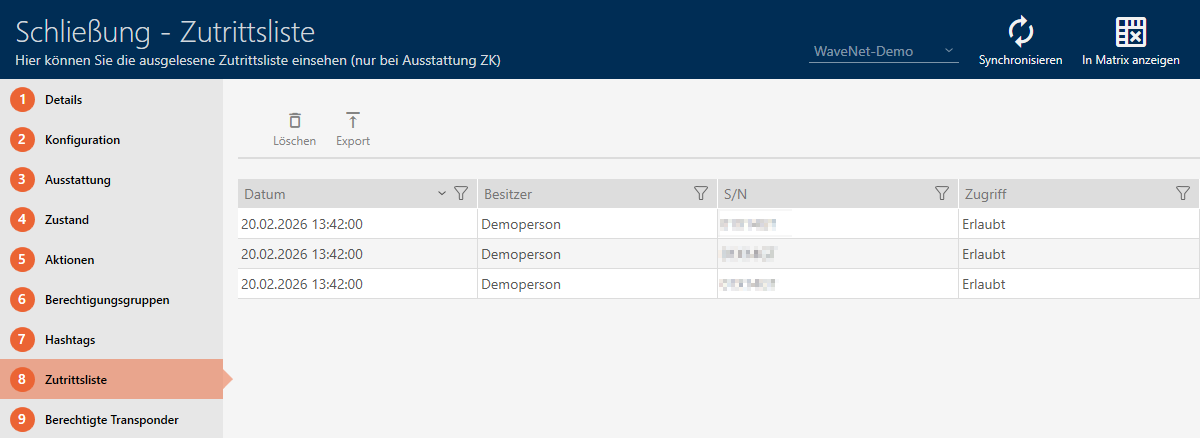
In the example, the access list should be read at two networked locking devices:
- At least one locking device created (see Creating a locking device).
- Locking device networked (see Add Lock Nodes).
- Click on the orange AXM icon
 .
. - AXM bar opens.

- Select the entry in the group .
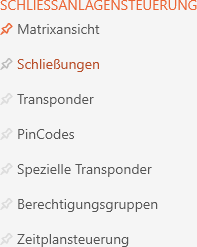
- The AXM bar will close.
- The tab will open.
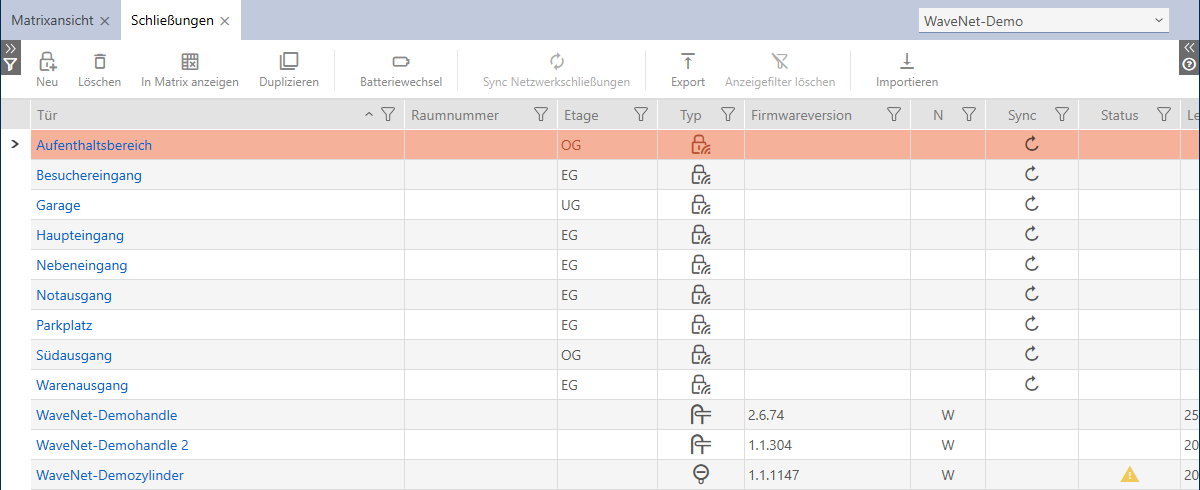
- Mark the locking devices on which you want to perform the task.
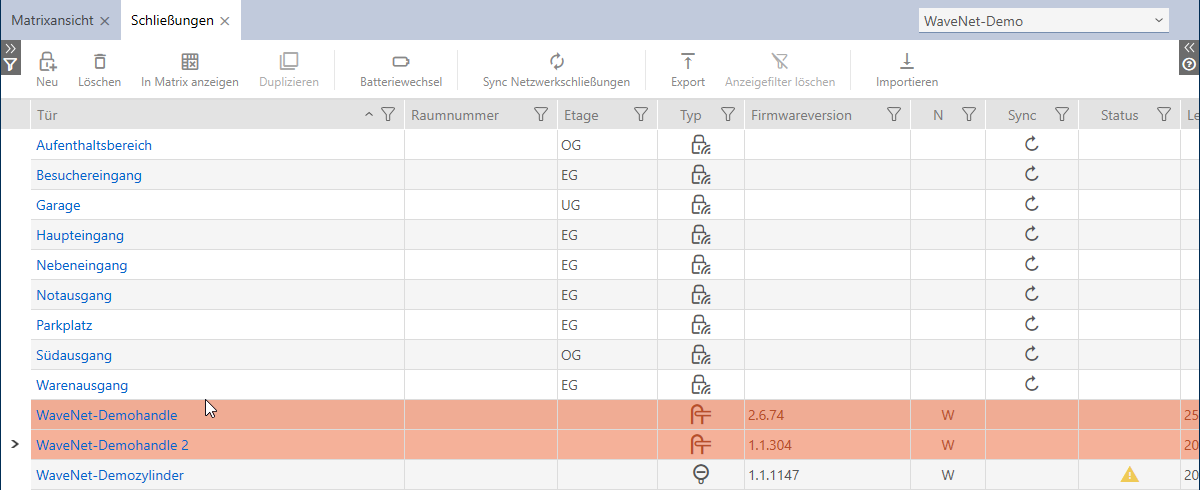
- Click on the
 button.
 - The window will open.
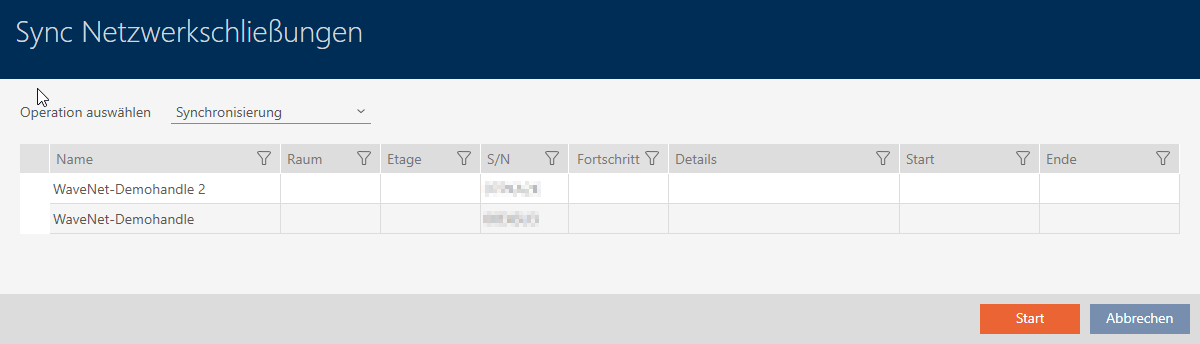
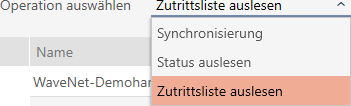
- Select the task you wish to perform from the drop-down menu (example: Read audit trail).
- Click the button.
- Your AXM Plus completes the tasks consecutively.

- All tasks completed (example: access lists for both locking devices have been read).