Reset (remove) RouterNode or LockNode - AXM Plus
NOTE

Reset Lock Nodes before Router Nodes
Lock Nodes can only be accessed via the associated RouterNode. Therefore, you may only reset a RouterNode when no LockNode is assigned to that RouterNode.
- First reset all Lock Nodes that belong to a RouterNode.
- Then reset the RouterNode.
- Tab opens.
- Mark the RouterNode or LockNode that you want to reset.

- Click on the
 button.
 - The window will open.
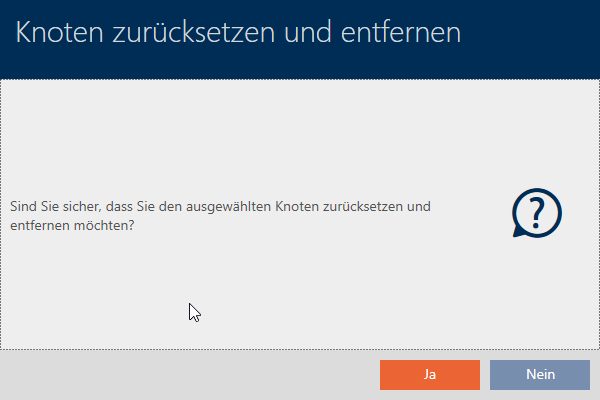
- Click on the button.
- RouterNode or LockNode is reset.
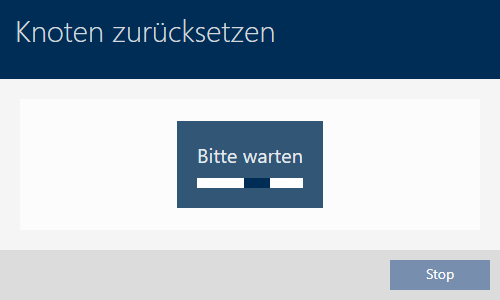
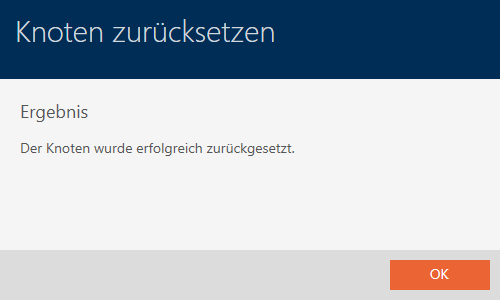
- RouterNode or LockNode is no longer listed.

Reset Lock Nodes whose RouterNode is no longer available
Normally, you first reset all Lock Nodes before resetting the RouterNode. In some cases, however, it can happen that the RouterNode is no longer available due to a defect and a LockNode has only been removed but not reset. The LockNode can then no longer be reached.
In this case, you can still reset the LockNode by installing it in a programmed locking device of another locking system. The locking device then beeps/flashes four times and the LockNode is reset.