Registration with licence - AXM Plus
You need a licence key to register. You can obtain this key from one of our specialist retail partners.
- Launch AXM Plus.
- Your AXM Plus will notify you that you still need to register it.

- Click the button.
- The registration form will open.
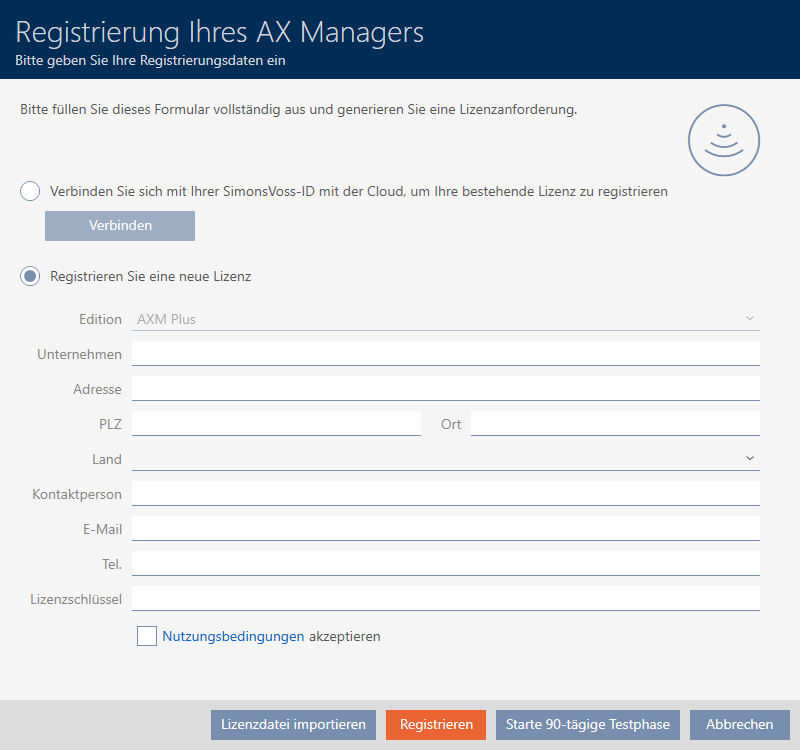
- Complete the registration form, including the field.
If you have already registered the AXM Plus and linked it to your SimonsVoss ID, you can skip registration and connect directly to your SimonsVoss ID. The licence is then taken from the SimonsVoss ID. - Accept the terms of use.
- Click the button.
- Registration is in progress.

- Registration was successful.
- Your AXM Plus will prompt you to log in with your SimonsVoss ID.
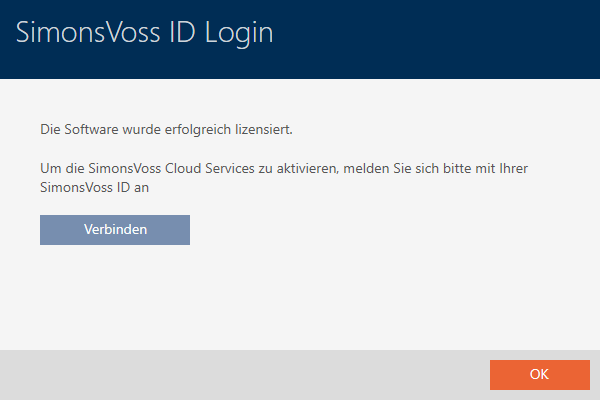
- Click the button.
- Website for login with a SimonsVoss ID will open.
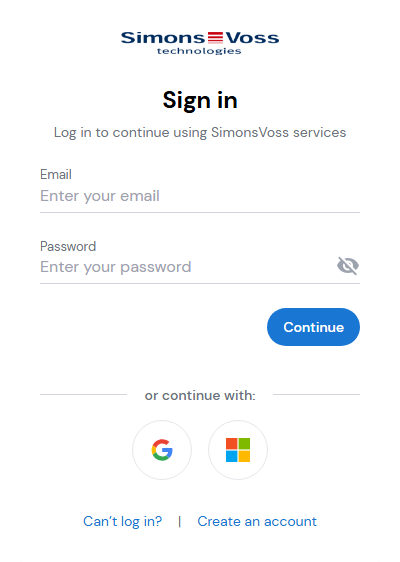
- Enter the required data or use your Google/Microsoft account.
If you already have a SimonsVoss ID, you can use it and do not need to create a new one. - Press “Continue” to forward your details.
- Website for linking your SimonsVoss ID to your AXM Plus will then open.
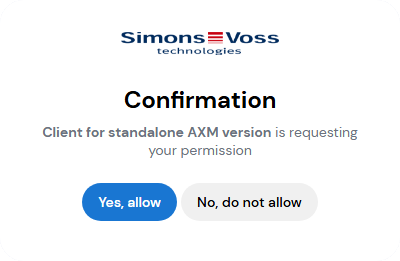
- Click on “Yes, allow” to link your SimonsVoss ID and AXM Plus.
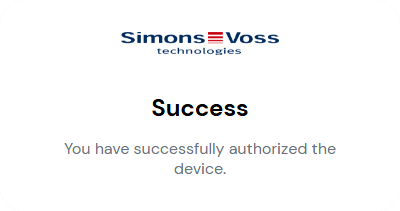
- Website and AXM Plus inform you that the link has been established.
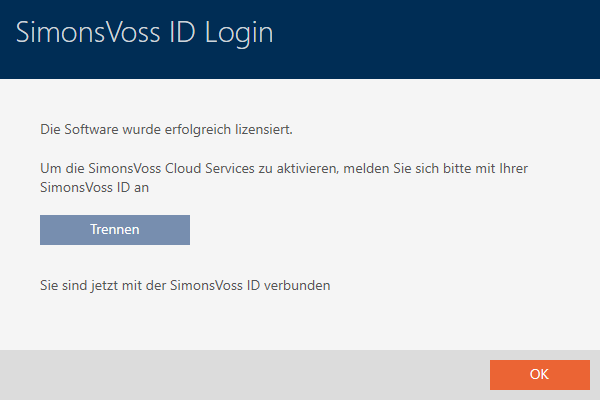
- Click on the button.
- A notice about the software fee licence status will appear.
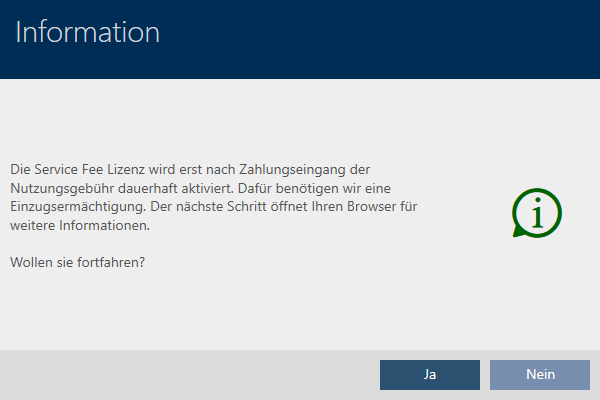
- Click to open the browser or click to create a project.
(Example: ) - Website with further information opens.
- Registration and link with SimonsVoss ID completed.