Create database report - AXM Plus
The Database report supports you in the following cases, for example:
- Support
- Maintenance
- Battery replacement
- Locking device replacement
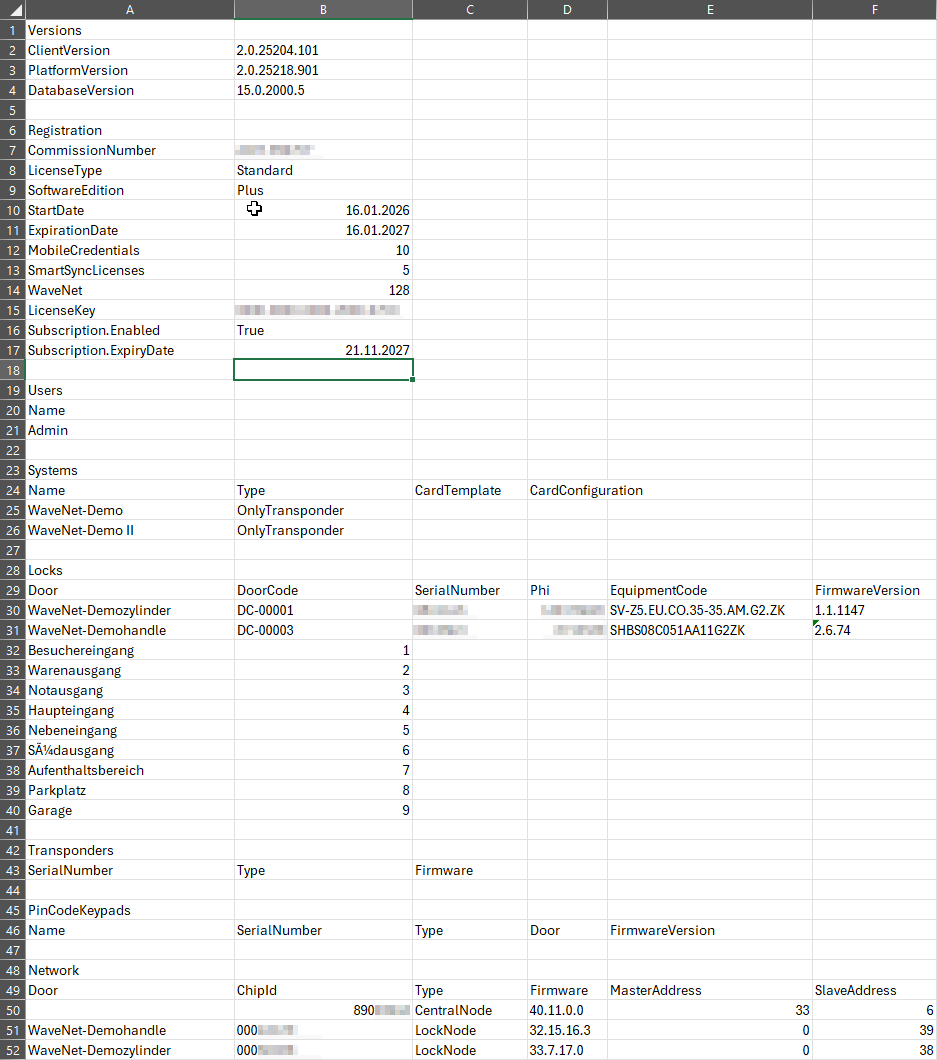
It provides comprehensive information on:
- Database version
- Registration and Licencing
- Users
- Locking systems
- Locking devices
- Identification media
- PIN code keypad
- Networking
- Click the orange AXM button
 .
. - AXM bar opens.

- Select the entry in the group.
- Windows Explorer opens.
- Save the database report to a location of your choice.
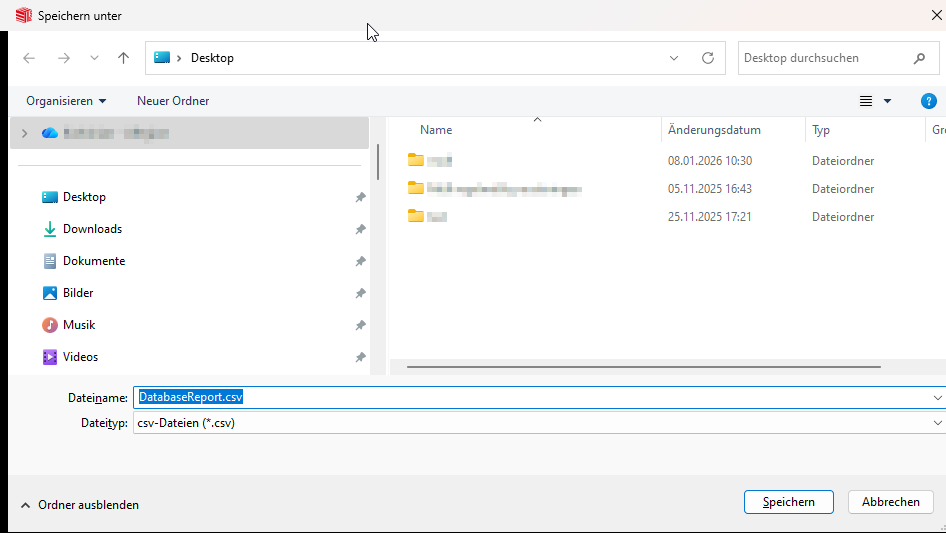
- Creating database report.
Example of a database report: