CommNode set up - AXM Plus
The CommNode is required as soon as you start working with networked locking devices. For more information, see CommNode and VNHost.
- AXM Plus is installed (see Installation).
- At least one project is available (see First steps after a new installation).
- Open the Windows application CommNode.

- The browser opens to the CommNode configuration page.

- Click the Verbinden button.
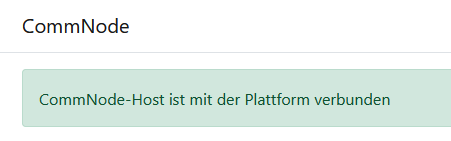
- A message appears in the browser indicating that CommNode has been successfully connected.
Then proceed with setting up your network:
- Virtual network: Virtual network
- WaveNet: WaveNet