Deleting individual identification media in the matrix - AXM Plus
- Matrix screen open.
- The identification medium to be deleted is unprogrammed or reset (see Resetting cards/transponders about resetting).
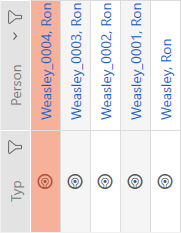
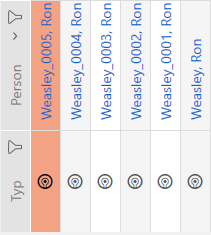
- Select the identification medium you wish to delete.
- Click on the button
 .
. - Deletion query will open.
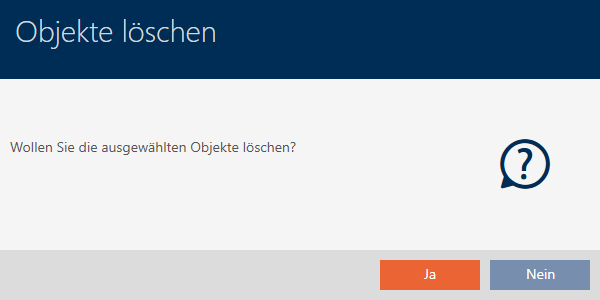
- Click on the button.
- Deletion query closes.
- Identification medium is deleted.