Displaying the identification medium battery status - AXM Plus
NOTE

Displayed status corresponds to the last synchronisation
AXM Plus displays the status stored in the database at this point.
- Identification medium synchronised at least once.
- Click on the identification medium whose status you wish to display.
- The identification medium window will open.
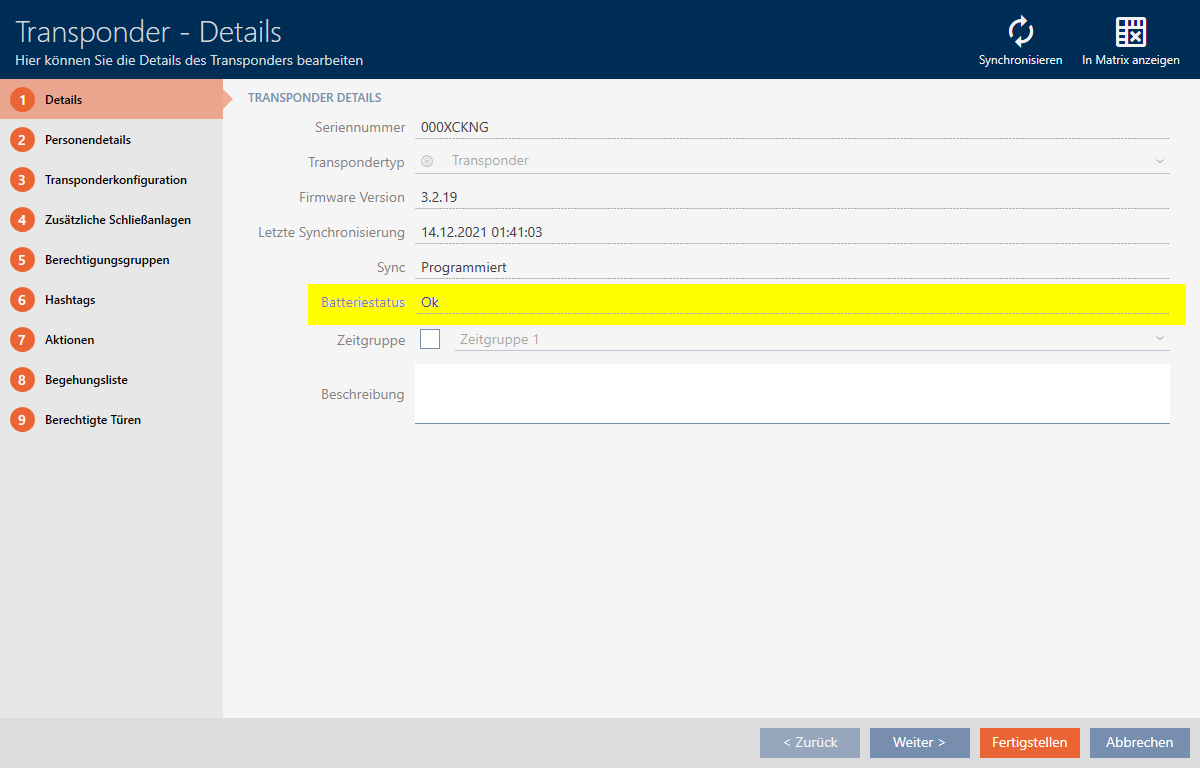
- Battery status is displayed.