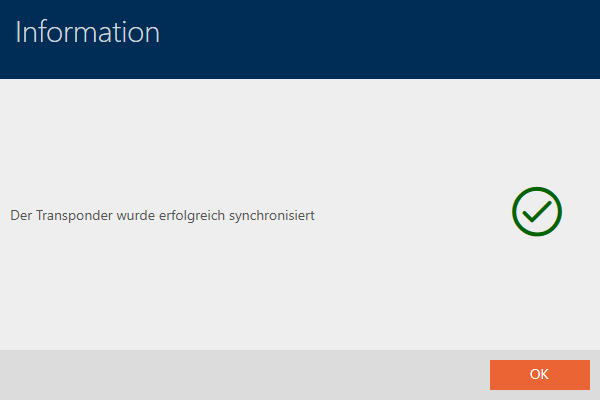
Synchronise a card/transponder (including importing physical access list) - AXM Plus
The following example shows how to synchronise a transponder.
- Suitable programming device connected.
- Identification media list or matrix view open.
- Click on the identification medium you wish to synchronise.
- The identification medium window will open.
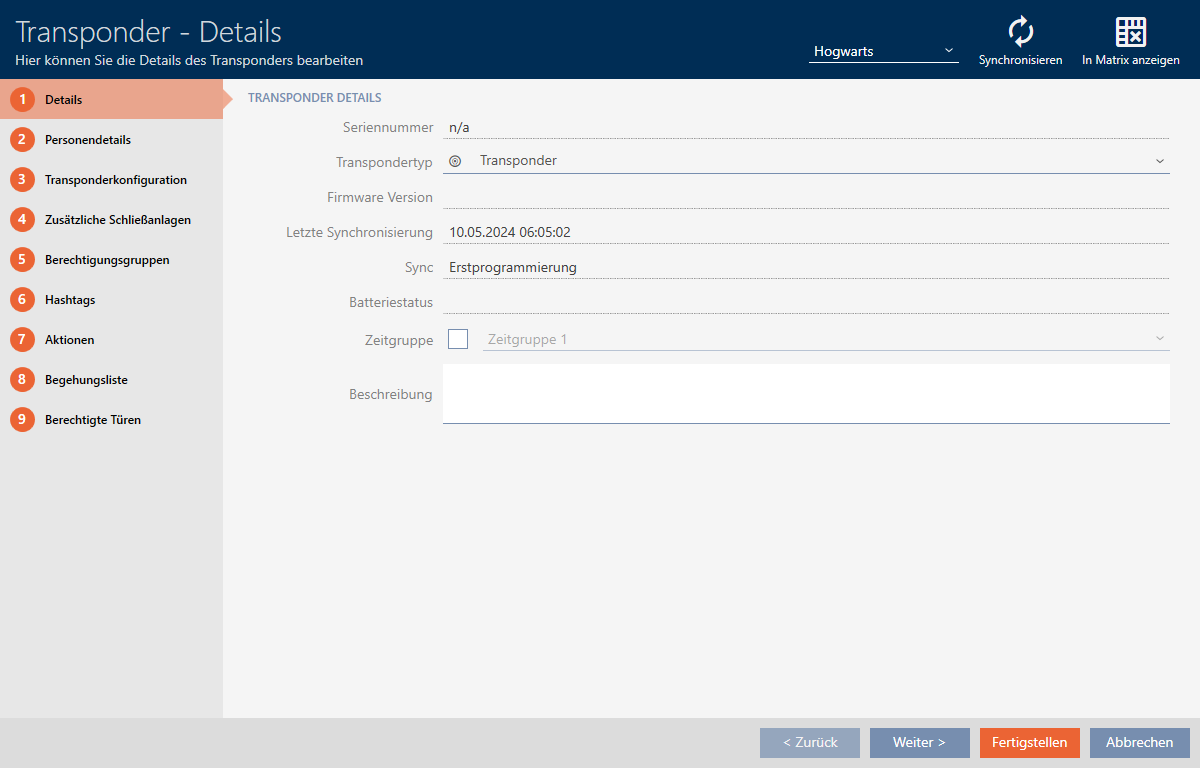
- Click on the button
 .
. - Synchronise window will open.
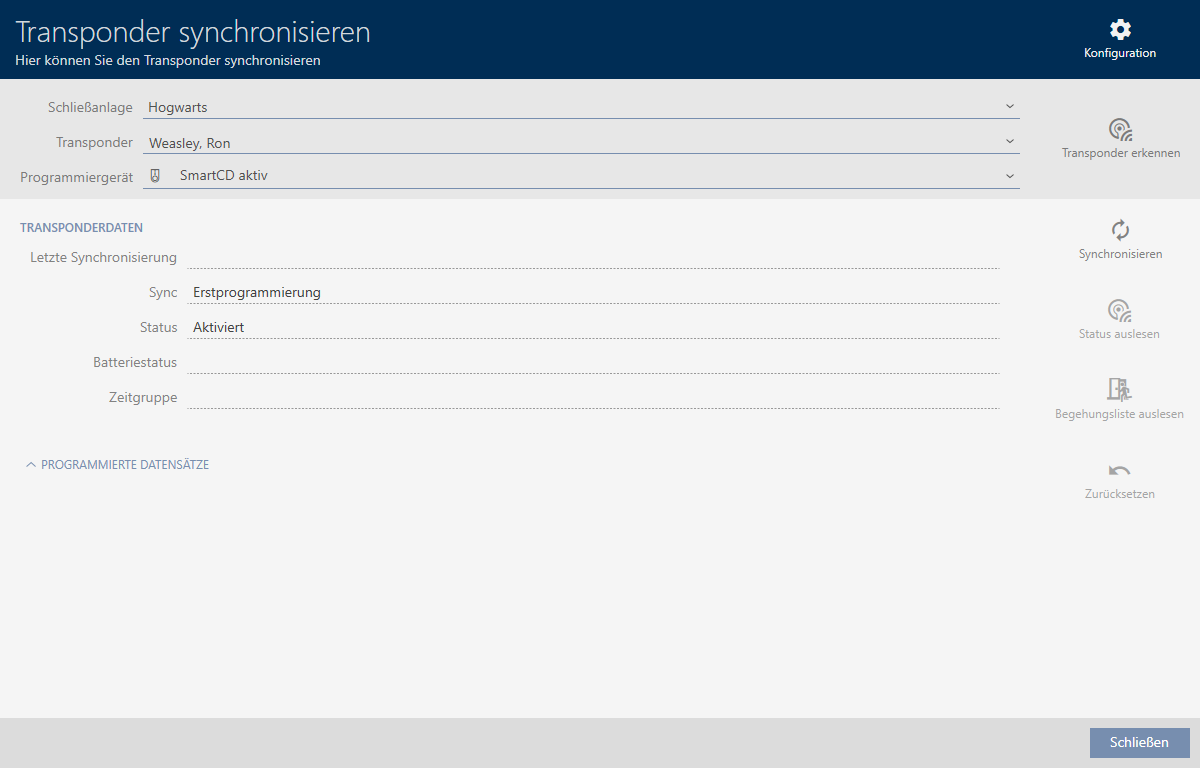
- Select the programming device which you wish to use to synchronise from the drop-down menu.

- Click on the button
 .
. - Identification medium is synchronised.
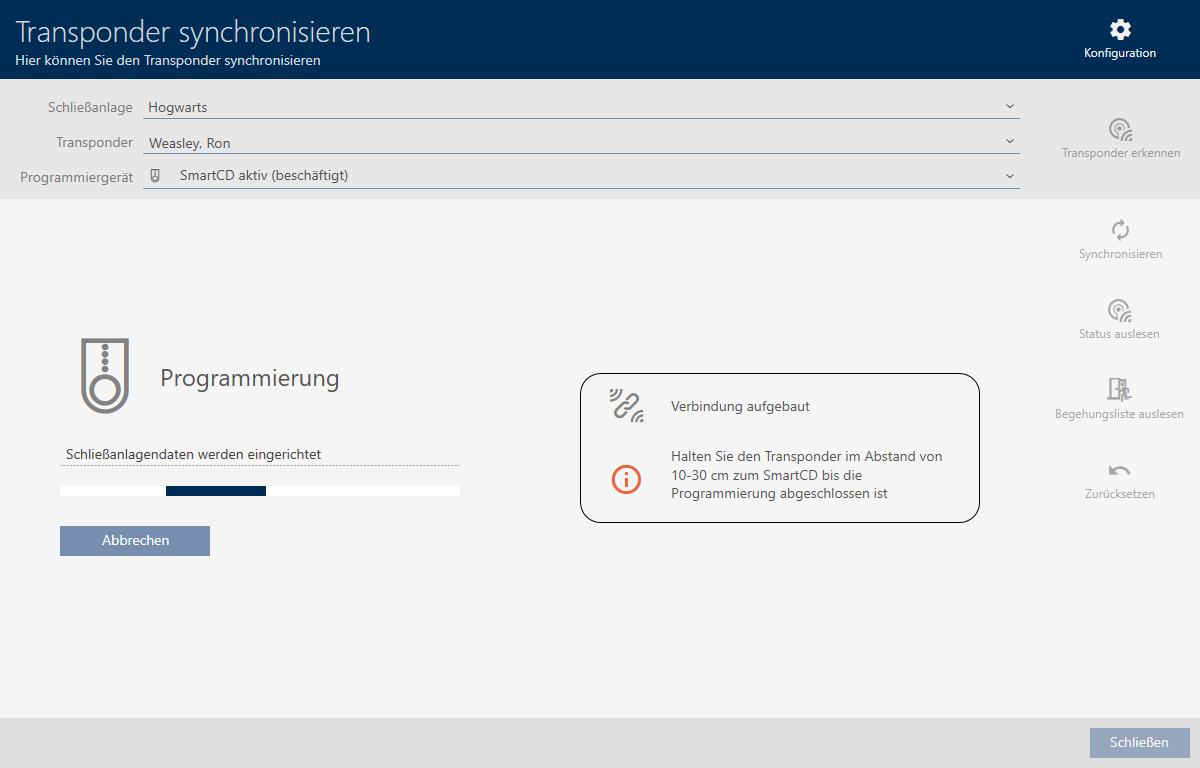
- ID medium is synchronised.