Add card/transponder/AX2Go key to time group - AXM Plus
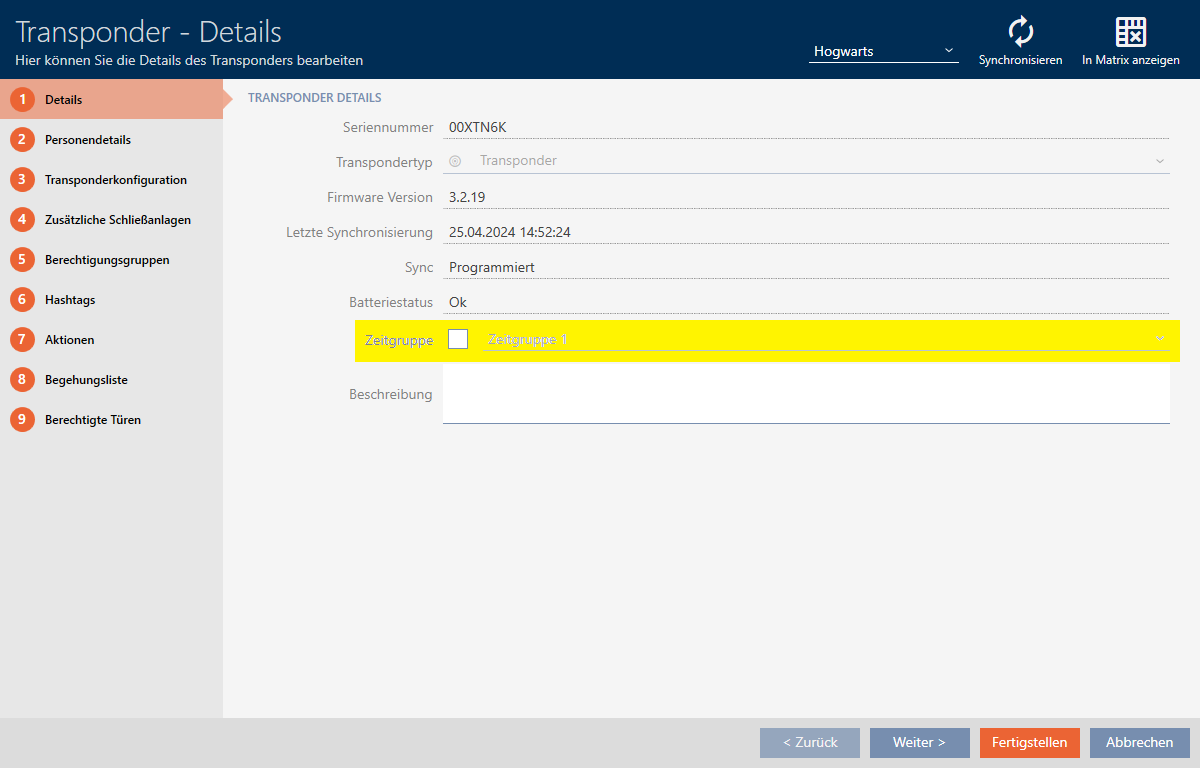
- Click on the identification medium to be added to a time group.
- The identification medium window will open.
- Select the
 Time group checkbox.
 - Select the time group from the drop-down list (e.g. ).
- Click on the button.
- The identification medium window closes.
- Identification medium has been added to the time group.