Checking virtual network - AXM Plus
This chapter contains information on how to verify the VNHost. The transmission of blocked IDs to locking devices etc. can be checked with VN Block List (see Overview of blocked IDs (VN block list)).
Check in the AXM Plus
- Click the orange AXM button
 .
. - AXM bar opens.

- Select the entry in the group.
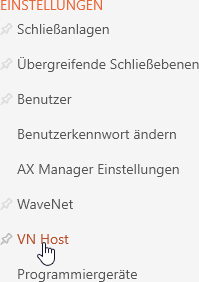
- The tab will open.
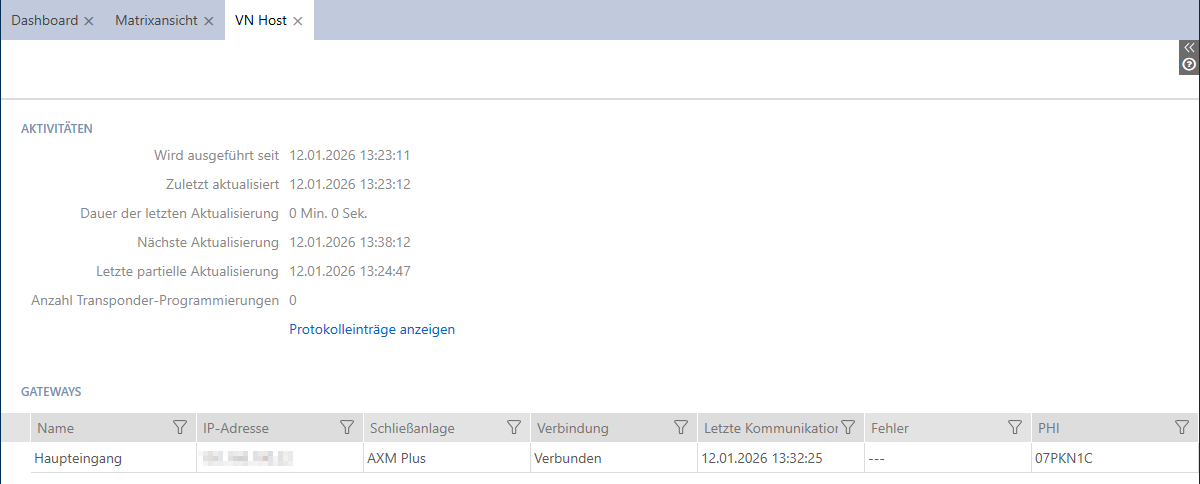
The tab displays the following information:
Activities |
|
Gateways | Here you will find a list of gateways connected to your virtual network. You can add more Gateways at any time (see Add Gateways). If you cannot see the newly added Gateways yet, you will need to restart the Windows service SimonsVoss VNHost. |
Check in the web app
- Open Windows services VNHost.

- The browser opens with the VNHost configuration page.

The overview shows the following information:
- Service status
- Project to which the VNHost is currently connected
- Number of gateways
If you have recently installed a gateway that is not yet displayed, do the following:
- Open Windows services.

- Right-click on the service SimonsVoss VNHost to open the context menu and restart the service.
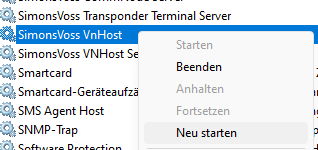
- Reload the browser page (Ctrl+F5).