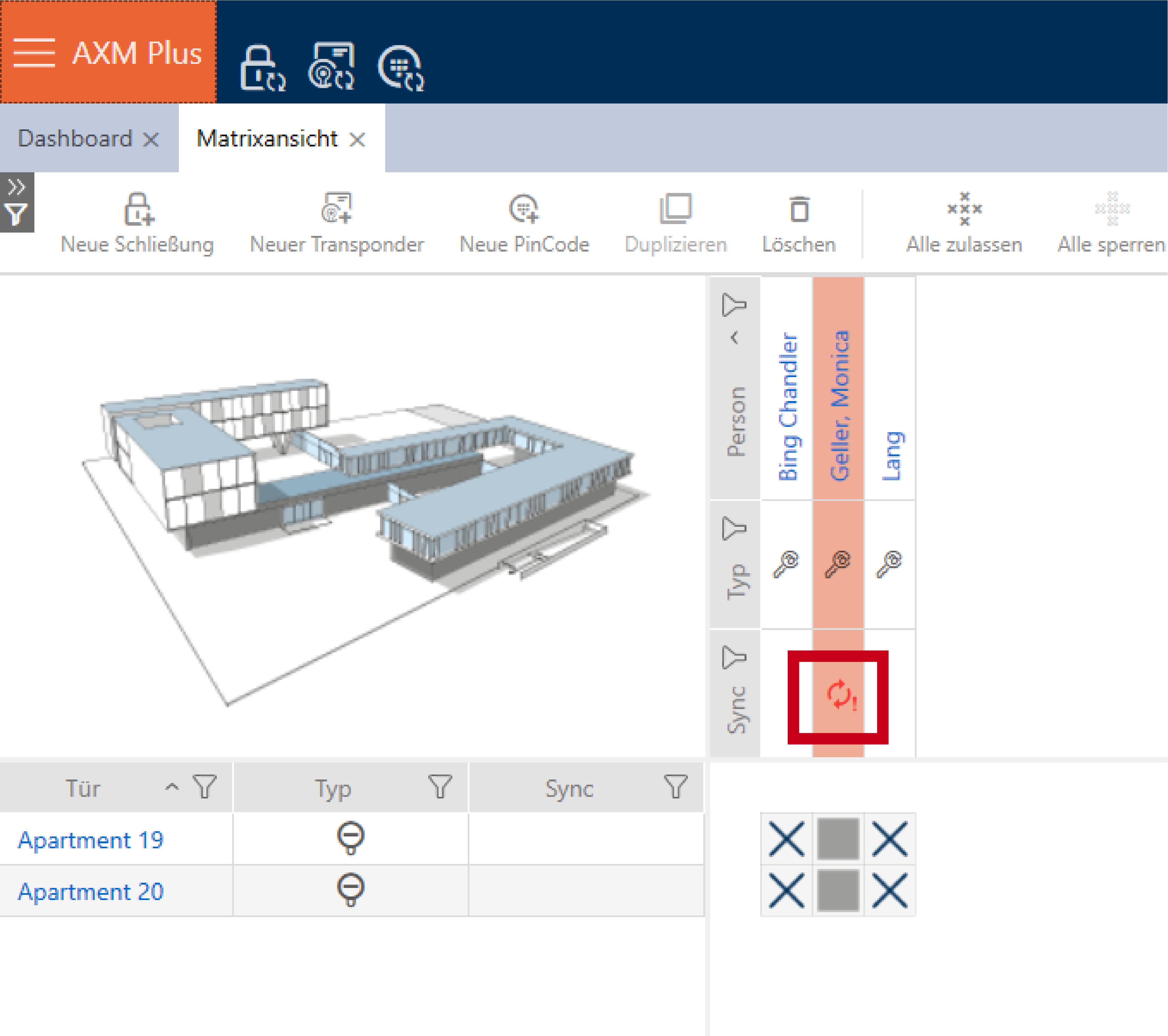
Revoking an AX2Go key - AXM Plus
The locking system administrator can also withdraw assigned keys, thus revoking them.
NOTE

Revoking can't be undone
You can't undo the revoking of an AX2Go key.
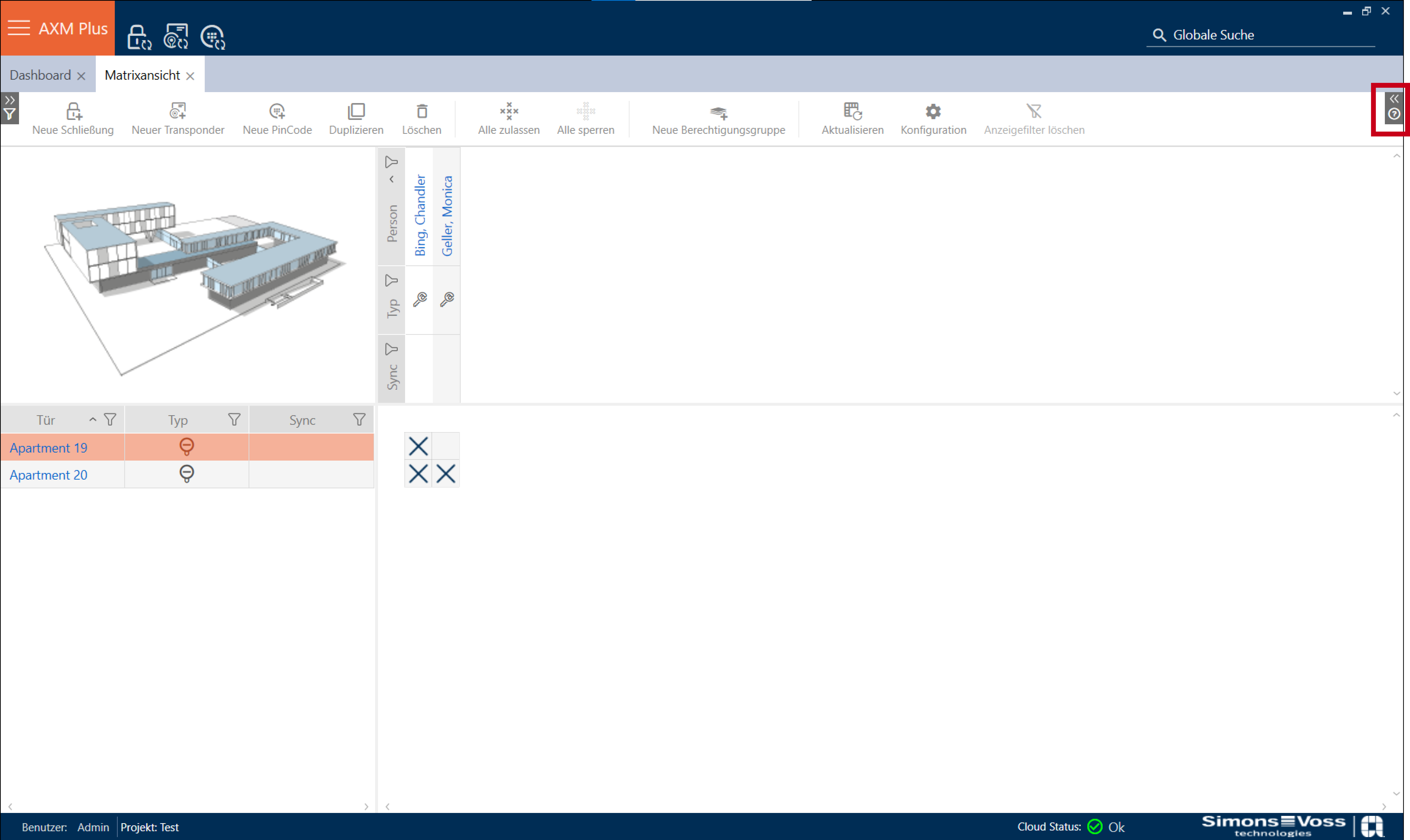
- Open the Wizards on the right-hand side of your matrix screen.
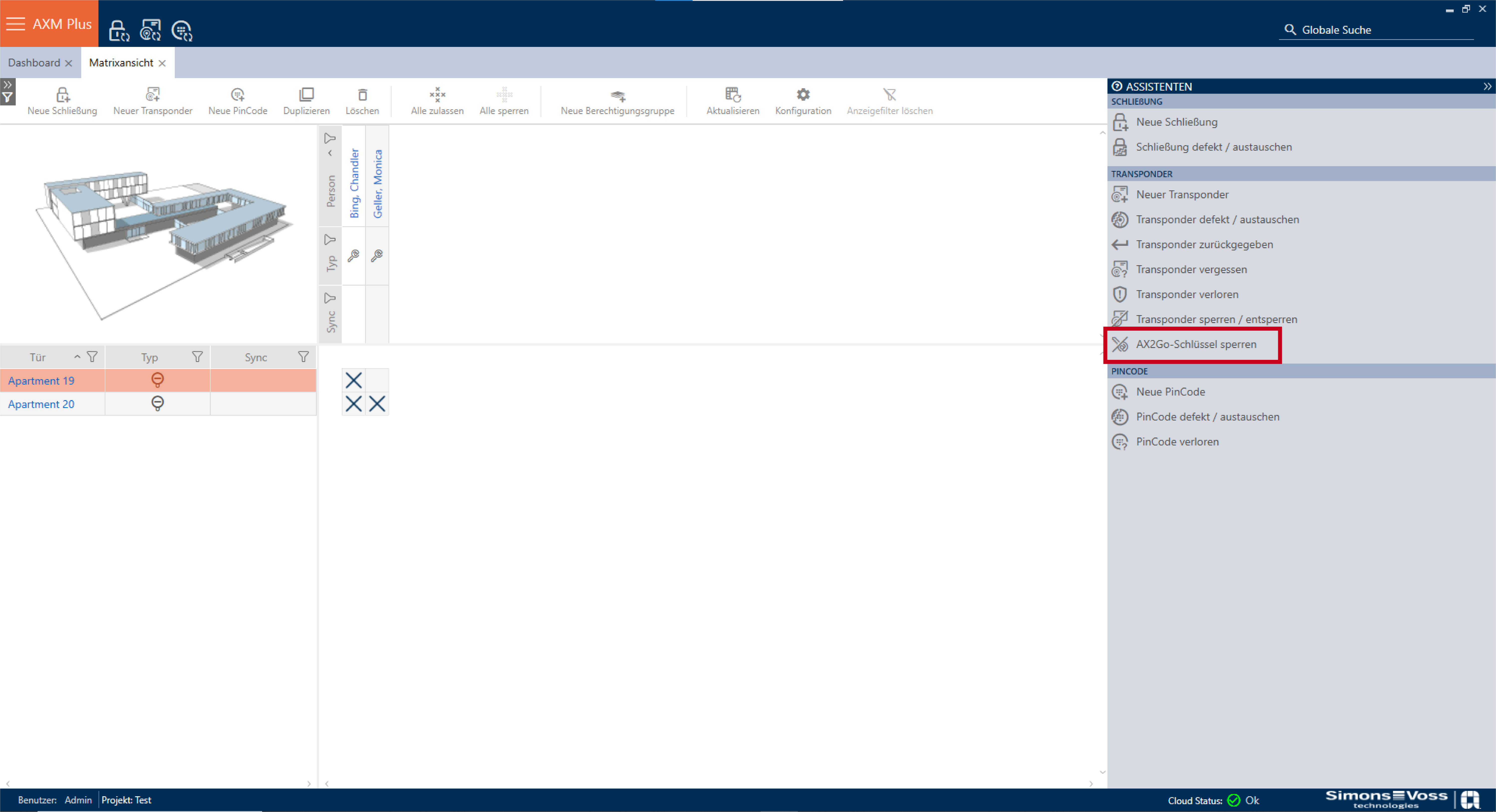
- Click on the point
 .
. 
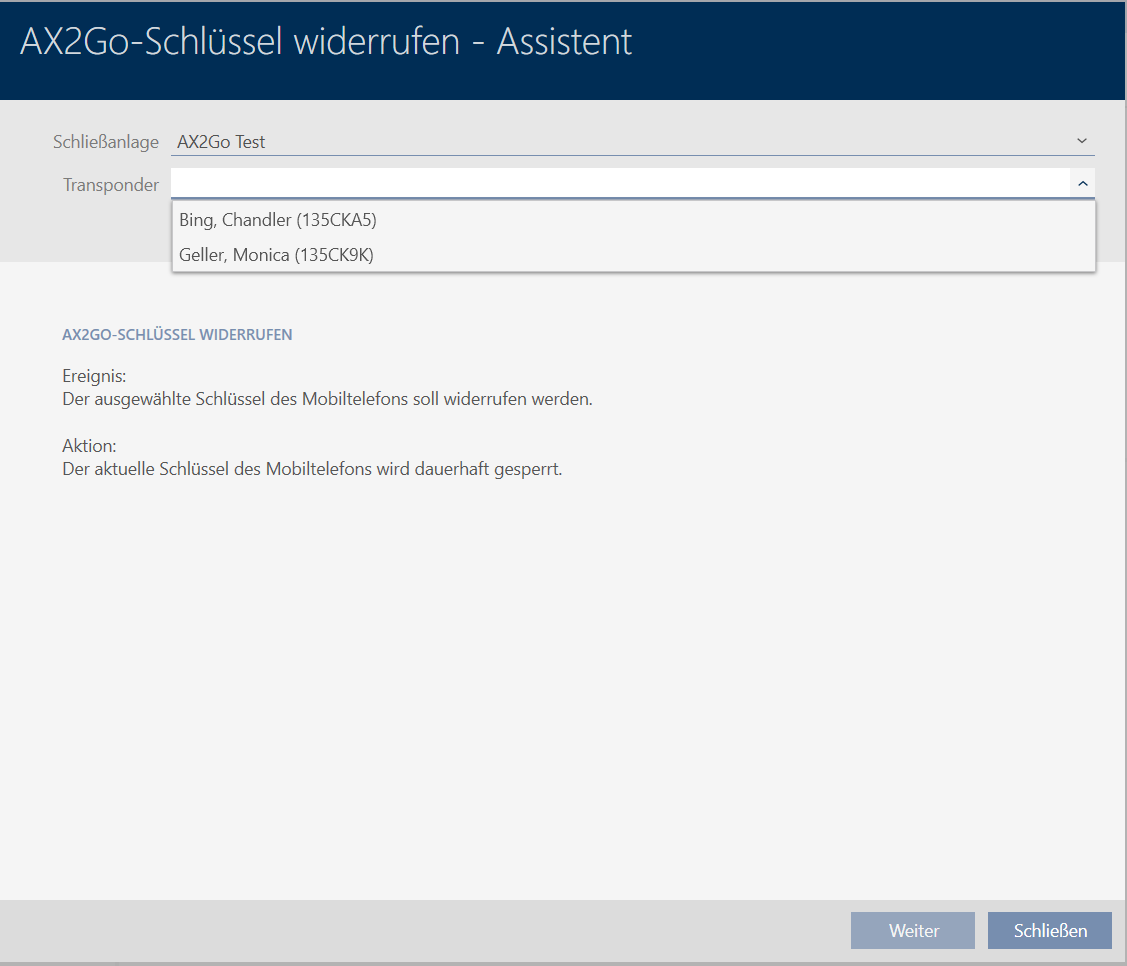
- Under Transponder, select the person whose AX2Go key you want to block and click on .
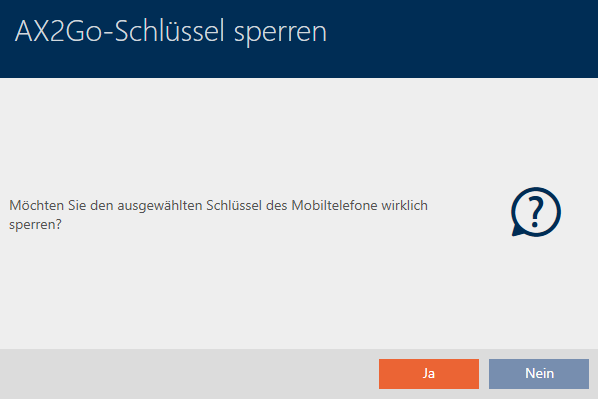
- A window will appear asking you whether you are sure you want to block the key. Click on .
- The AX2Go key you selected has been blocked successfully.