Hiding deactivated and defective identification media - AXM Plus
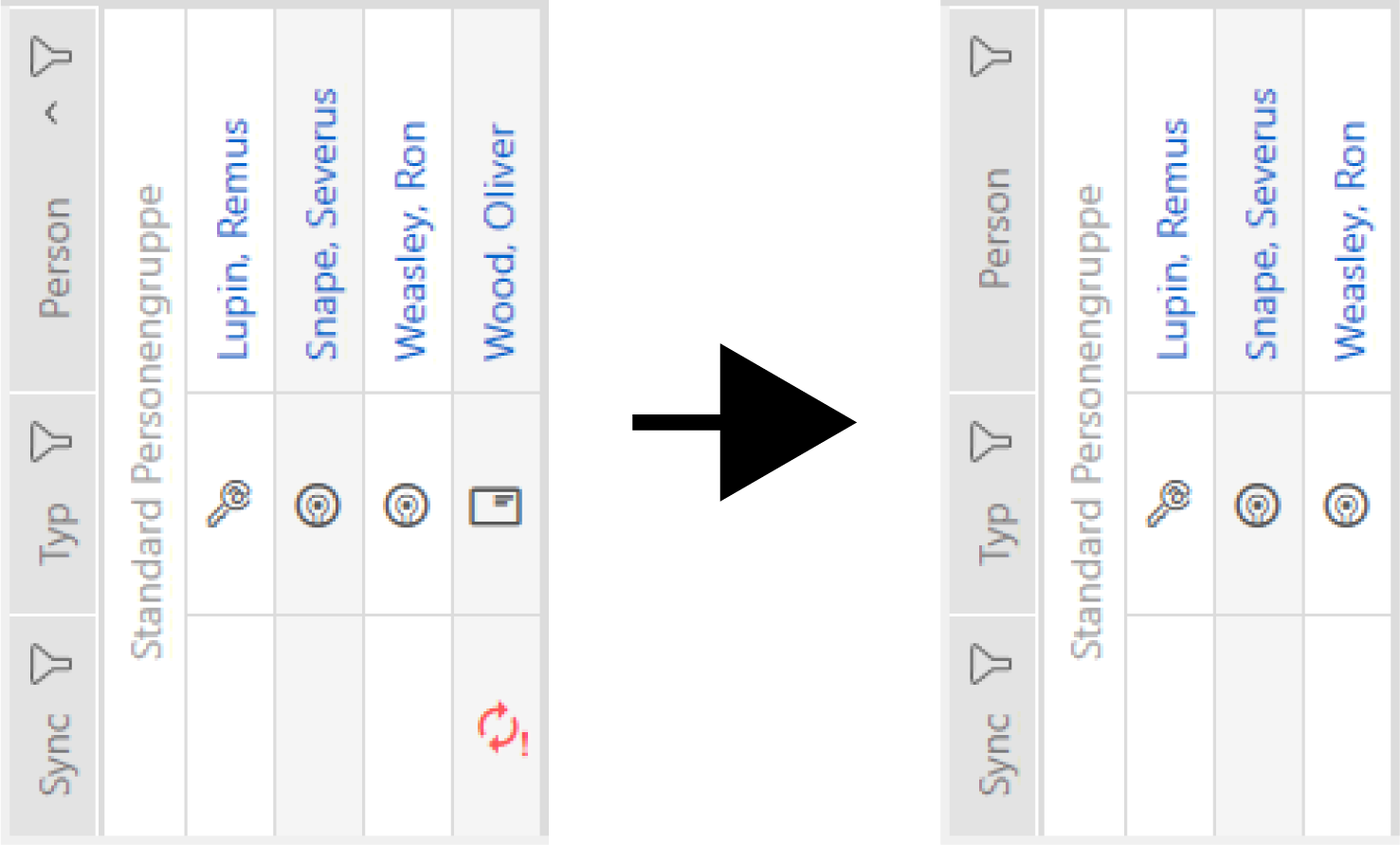
This is where you have the option of “clearing up” your matrix and hiding all defective or deactivated identification media. You can recognise such identification media by the  symbol and by the fact that they can no longer be synchronised.
- Matrix screen open.
- Click on the
 button.
 - The window with the AXM Plus matrix settings will open.

- Disable the
 Show deactivated transponders checkbox.
 - Click on the button.
- The window with the AXM Plus matrix settings closes.
- Deactivated and defective identification media are now hidden.