Deleting AX2Go keys - AXM Plus
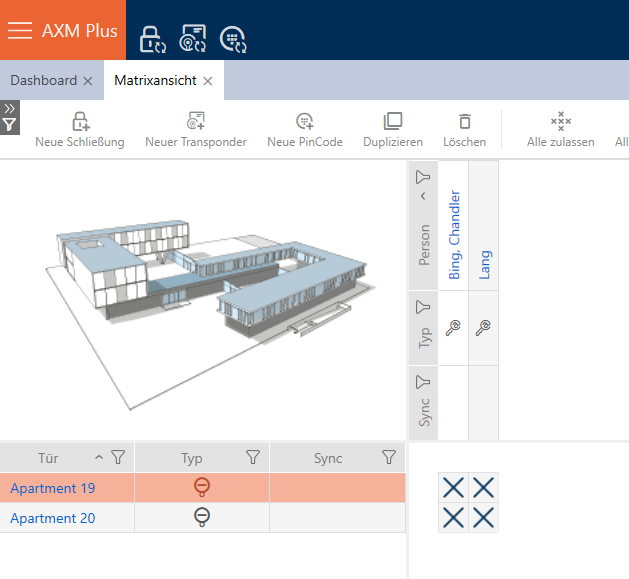
After blocking the key, you can also delete it and thus remove it completely. Proceed as follows to remove the AX2Go key from the matrix view:
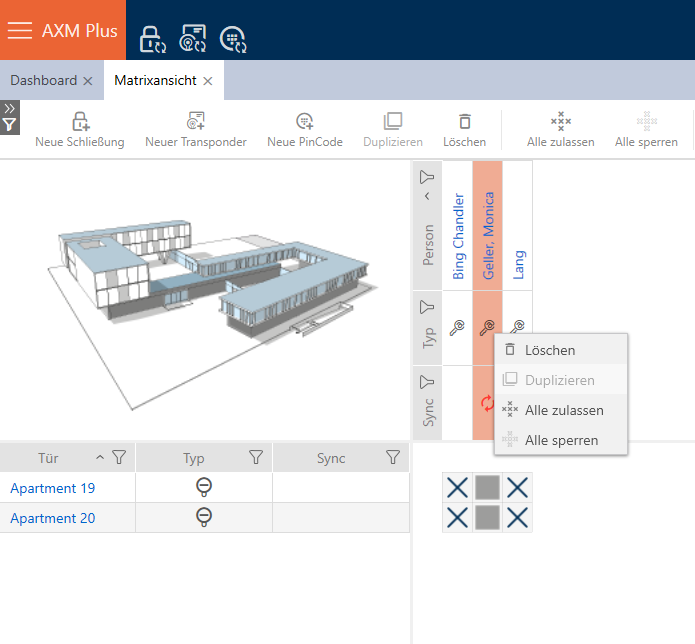
- Right-click on the key and click on .
- A screen will open asking you whether you are sure you wish to delete the object.
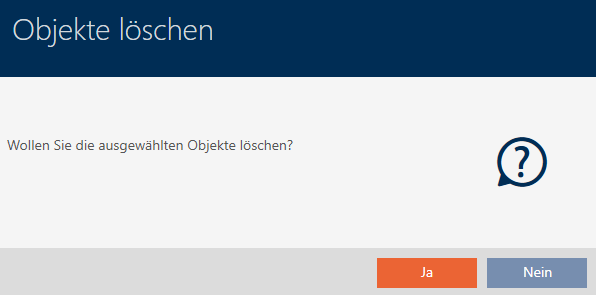
- Click on the button.
- You have successfully deleted the selected key. It is no longer visible in the matrix view.