Test RouterNode or LockNode - AXM Plus
You can use the function  to test if your WaveNet components are accessible and functioning.
- Tab opens.
- Mark the RouterNode or LockNode that you want to test.

- Click on the button.
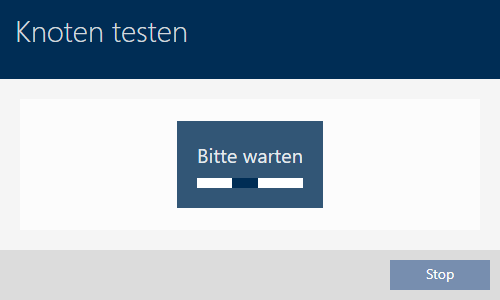
- RouterNode or LockNode is tested.
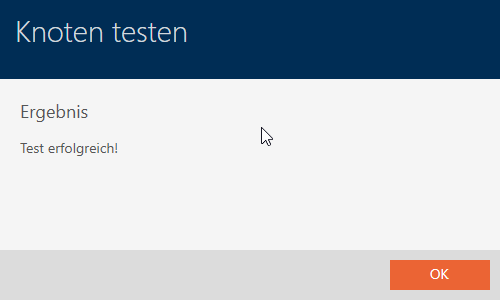
- RouterNode or LockNode has been tested and the test result is displayed.
If the test is not successful, you can try to repair the RouterNode or LockNode (see Repair RouterNode or LockNode).