Updating your licence - AXM Plus
Thanks to the connection with our licence service, the information on your software licence is always up to date.
As soon as changes are made (e.g. by extending the scope of services), the change is displayed in the AXM Plus footer when you start the application.
You can apply the changes by clicking on .

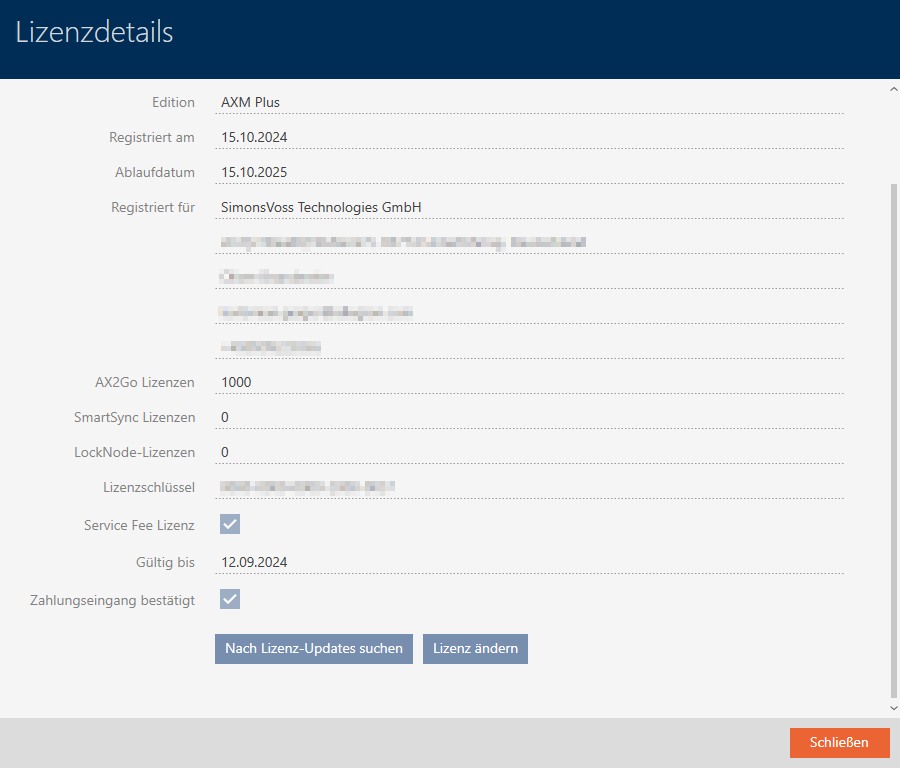
Scroll down in the window that opens and click on .
