Synchronisation of AX2Go keys via the cloud - AXM Plus
You distribute changes such as authorisations, time, etc. to your AX2Go users conveniently via a cloud connection.
The SimonsVoss cloud transfers data from your AXM Plus to the AX2Go without data being stored in the SimonsVoss cloud (tunnel; no dormant customer data).
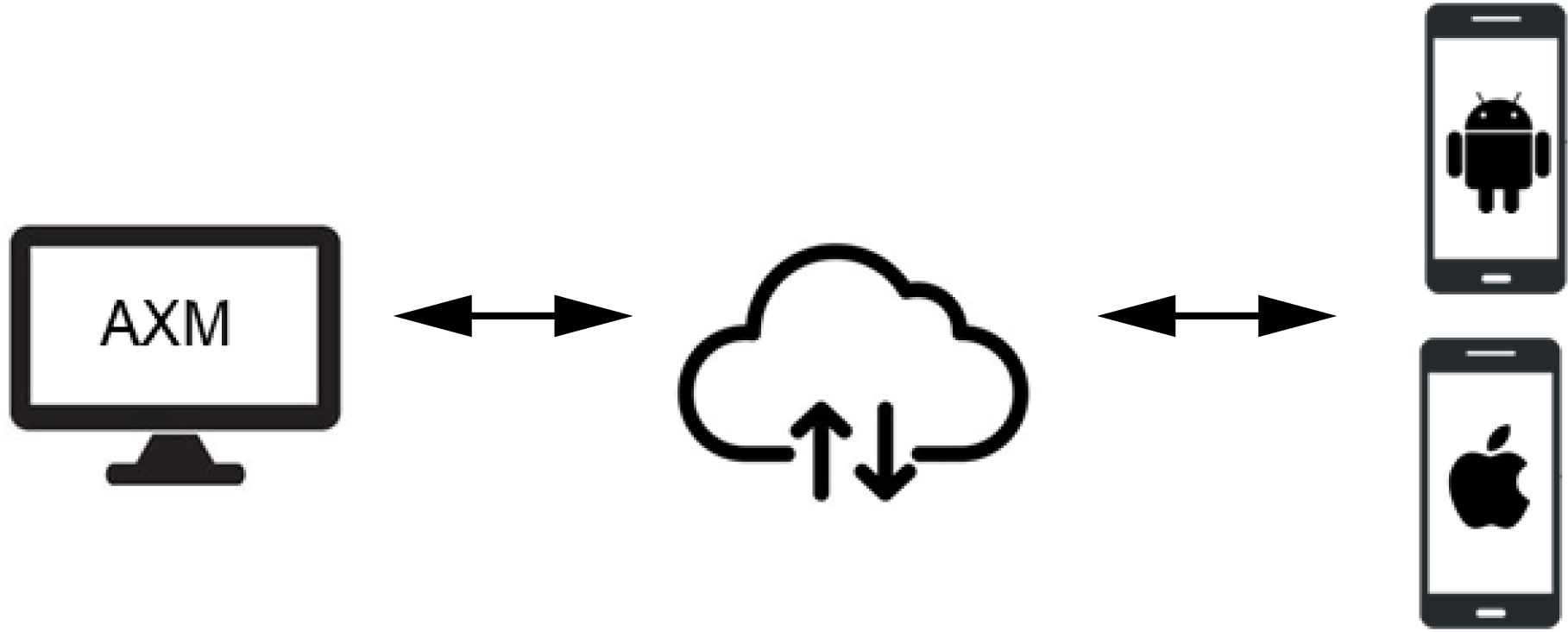
The AX2Go uses a direct connection via Bluetooth Low Energy (=BLE channel). The locking device firmware must be version 1.1.1148 or higher to use this BLE channel. You can update the firmware yourself with a simplified patch tool provided for this purpose (except for directly networked locking devices = WaveNet).
Data transfer
A AX2Go key is basically a virtual G2 transponder on a smartphone. As with a normal G2 identification medium, you can also choose in this case whether you would prefer to synchronise the locking device or the AX2Go key. Thanks to the cloud connection, however, your AXM Plus is virtually directly connected to the AX2Go keys and transfers authorisation changes, for example, almost immediately using a service running in the background.
Less prioritised data (e.g. changes to the locking system administrator’s contact details) are also transferred automatically via the cloud, but not immediately:
- During the AXM service’s next push cycle (twice daily) or
- Together with higher-priority data (e.g. an authorisation change)
As AXM Plus - similar to LSM Basic Online - is a local installation, the AXM service only runs when you have started the computer. The AXM Plus itself does not need to be open for this service.
Prerequisites for using the cloud services
- Connection between your AXM Plus and your SimonsVoss ID (see Checking the connection between database and cloud)
- Valid registration with Software Fee licence (see Registration)