Overview of blocked IDs (VN block list) - AXM Plus
This window lists the locking devices that have not yet been affected by the blocking of an authorised transponder.
If you create a substitute transponder during the blocking process, the blocked transponder's block ID is automatically assigned to the substitute.
In the following example, a transponder is blocked and a substitute transponder is created.
- Virtual network is installed (see CommNode set up, Configure of VNHost and Add Gateways).
- Click the orange AXM button
 .
. - AXM bar opens.

- Select the entry in the group.
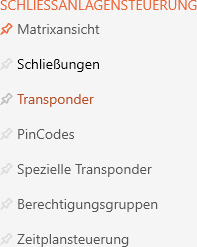
- The list with all identification media in the locking system will open.
- Click on the
 button.
 - The window opens.
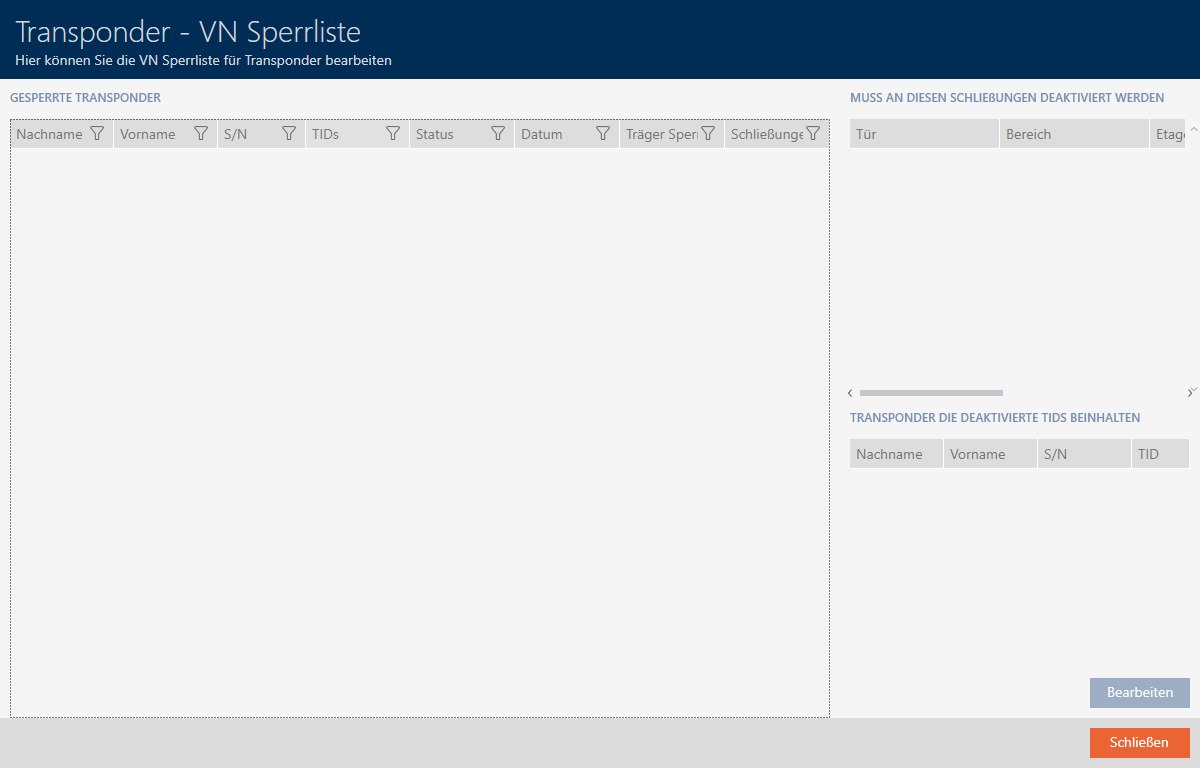
There are currently no entries in this window because you have not yet blocked any transponders. The Window consists of several parts:
Blocked transponders

This list shows all the identification media that you have blocked, for example, in response to a loss. (see Blocking and replacing lost/stolen card/transponder permanently).
Should be deactivated in locks
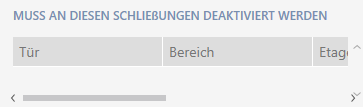
This list shows all the locking devices for which the selected blocked identification medium was previously authorised. These locking devices must be informed of the blocking of the identification medium. Locking devices for which the identification medium is not authorised are not displayed, as this medium cannot be used to grant access. The entry is removed from the list when:
- An identification medium has retrieved the blocked ID from the gateway and
- transferred it to the locking device and
- has returned the locking device confirmation (= has received blocked ID) to the gateway.
Further information and an example of the procedure can be found here: Example: loss of transponder
Transponders containing deactivated TIDs

The blocked ID is transferred via other identification media of the same type. In normal cases, two blocked IDs (cards: one blocked ID) are randomly selected from the list and written to the identification media at the gateway. There are two exceptions:
- Substitute transponders: These automatically incorporate the blocked ID of the blocked transponder. As the communication distances are likely to be similar, the affected locking devices are updated promptly.
- Manual assignment: With the button , you can explicitly assign the marked blocked ID to specific identification media.
Example: Blocking transponders and creating substitute transponders
- Block a transponder and create a substitute transponder (see Blocking and replacing lost/stolen card/transponder permanently).
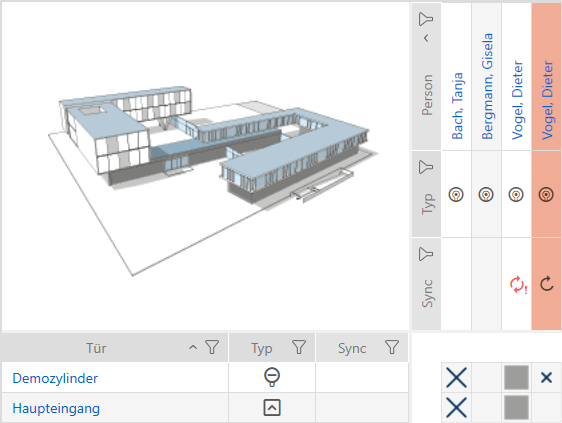
- Blocked transponders and substitute transponders are visible in the matrix.
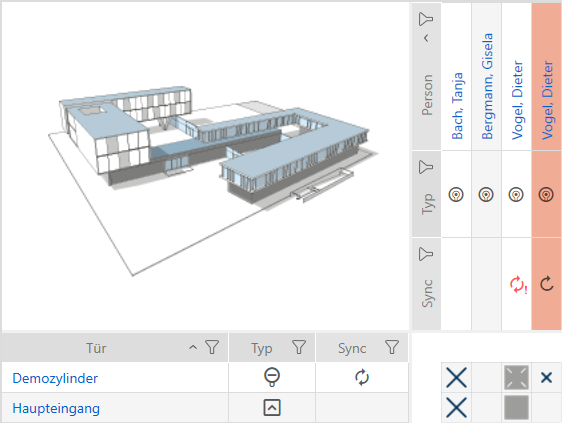
- Go back to the tab .
- Click on the button.
- The window opens.
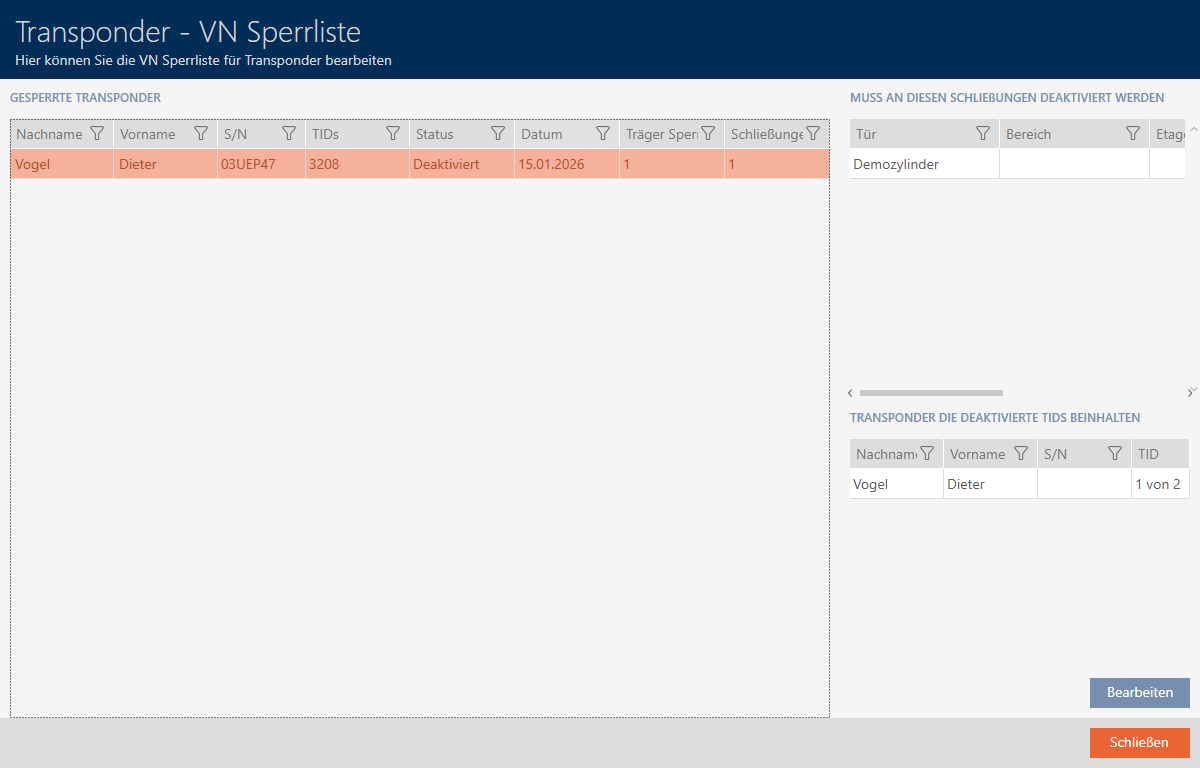
- The transponder that has just been blocked is now in the list .
- Since the blocked transponder was authorised for storage, this locking device is included in the list .
- A substitute transponder was created and the blocked transponder's ID was automatically assigned to it. Hence, the substitute transponder is included in the list .
- Click the button .
- opens.
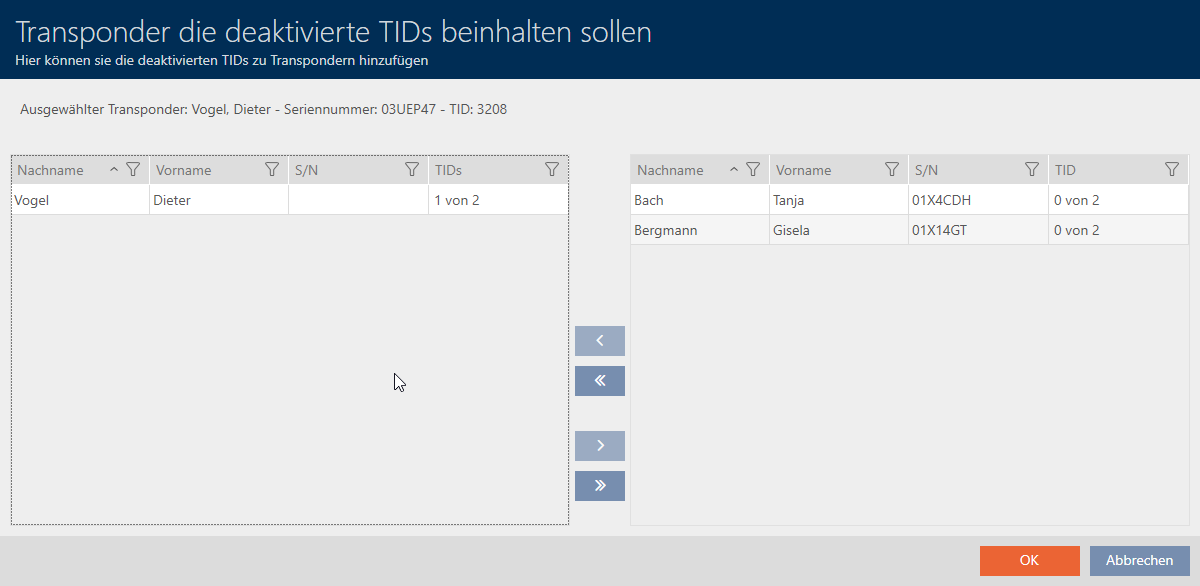
- Optional: You can assign the blocked ID to another transponder in the right-hand column.
Once the blocked transponder's ID has been transferred to the affected locking device, it will no longer be displayed in the list :
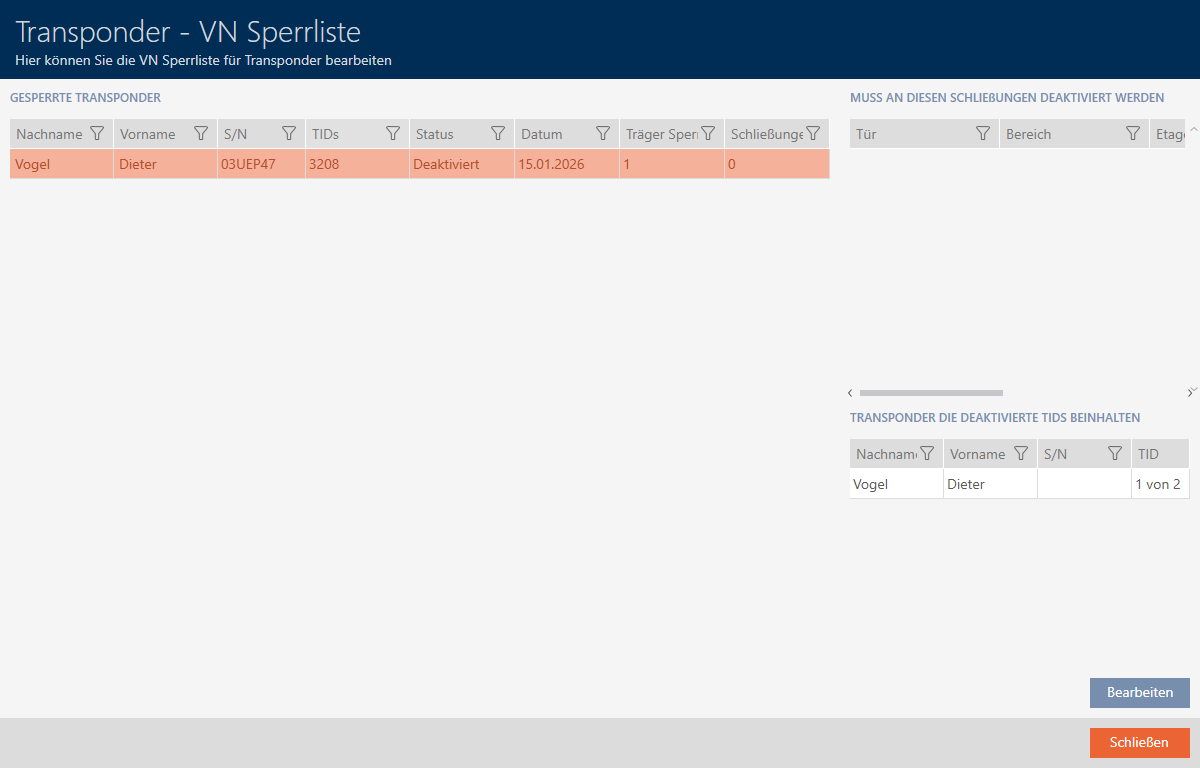
Additionally, the locking device is no longer programmed into the matrix, and the authorisation check mark for the blocked transponder is removed: