Repair RouterNode or LockNode - AXM Plus
With the function  , you can fix errors in the configuration of the WaveNet components.
- Tab opens.
- Mark the RouterNode or LockNode that you want to repair.

- Click on the button.
- The window will open.
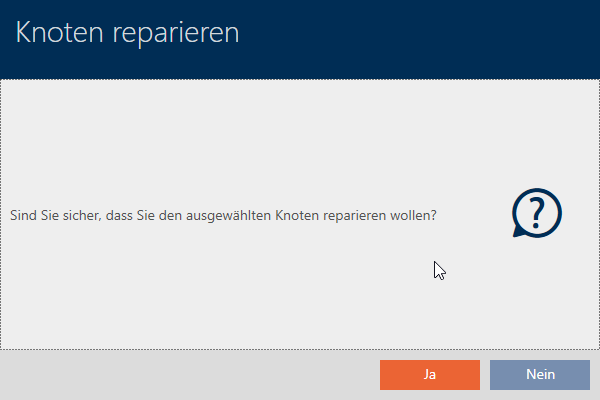
- Click the button.
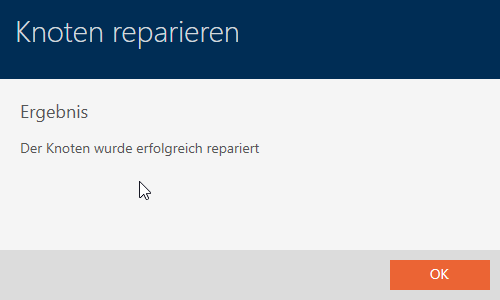
- RouterNode or LockNode repaired.
- RouterNode or LockNode repaired.
If repair is not possible, you can replace the component:
- RouterNodes: Replace RouterNode or change IP address
- Lock Nodes: Reset (remove) RouterNode or LockNode and Add Lock Nodes (Lock Nodes are not directly replaceable)