Creating PINs for PinCode AX - LSM 3.6 SP1 Basic Online
NOTE

Changing the PIN length deletes previous PINs
If you change the length of the PINs, LSM automatically deletes all previously created PINs. These must then be created again.
- Set the PIN length before creating PINs.
- PIN code keypad AX is created (see Create PinCode AX).
- Length of PINs is set (see Change length of PINs in PinCode AX).
- Use to select the input.
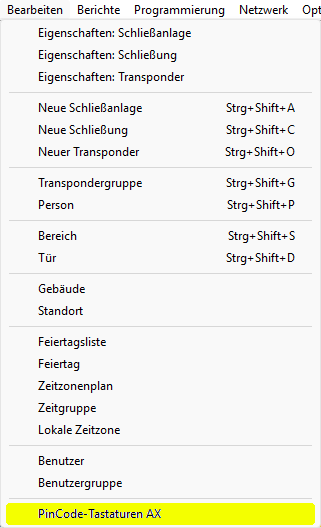
- The window will open.
- Select the PIN code keypad AX for which you want to create PINs.
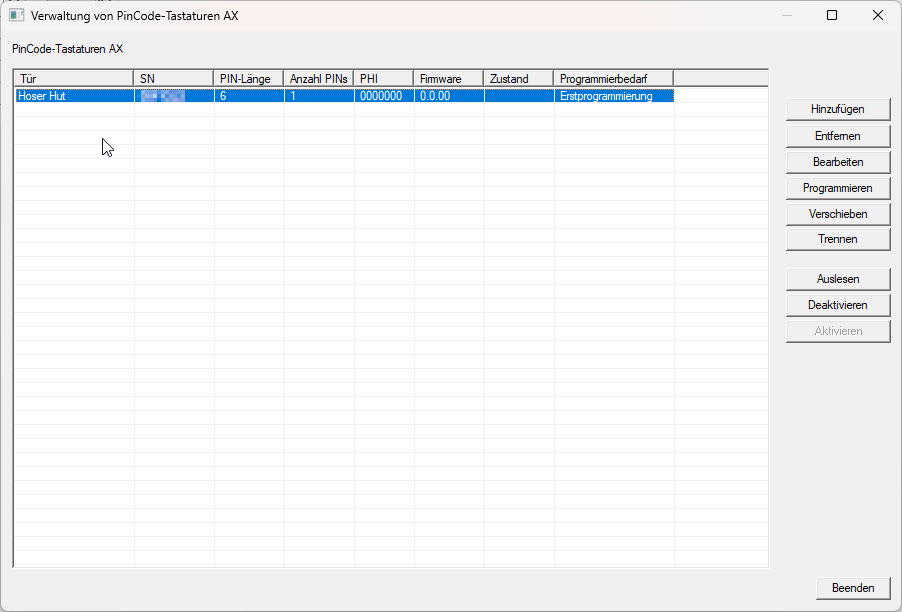
- Click the button.
- LSM switches to the locking device properties tab .
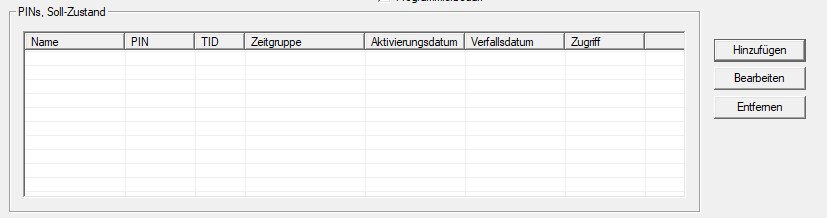
- Click the button.
- The window will open.
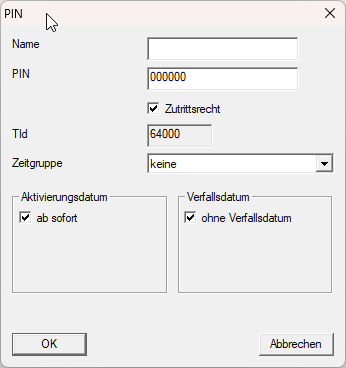
- Fill in the fields and .
- If necessary, select a time group in the dropdown menu (for information on time management, see Time zone plans).
- Click on the OK button.
- Window closes.
- The newly created PUN is listed.
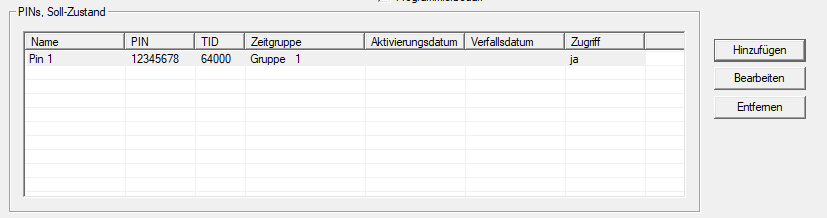
The newly created PIN will only be displayed in the area. It will only be displayed in the area after programming (see Programme PinCode AX) .