Read access list (Cylinder AX) - LSM 3.6 SP1 Basic Online
You can manually retrieve the access lists of your Digital Cylinder AX.
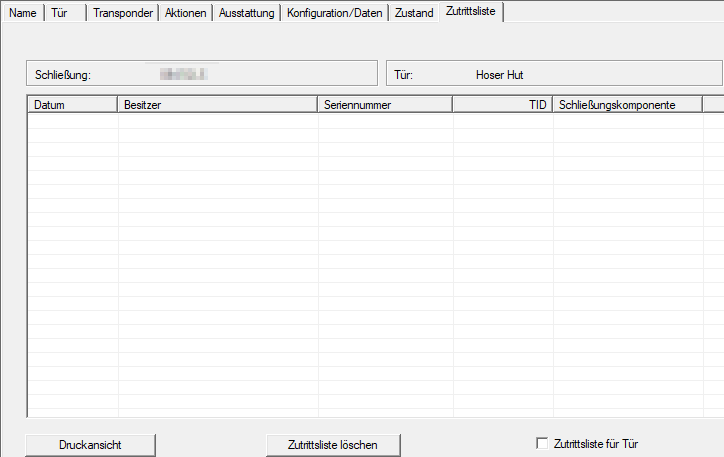
The access list can be viewed in the locking device’s properties. In the example, the access list is initially empty because the Digital Cylinder AX has not yet been retrieved.
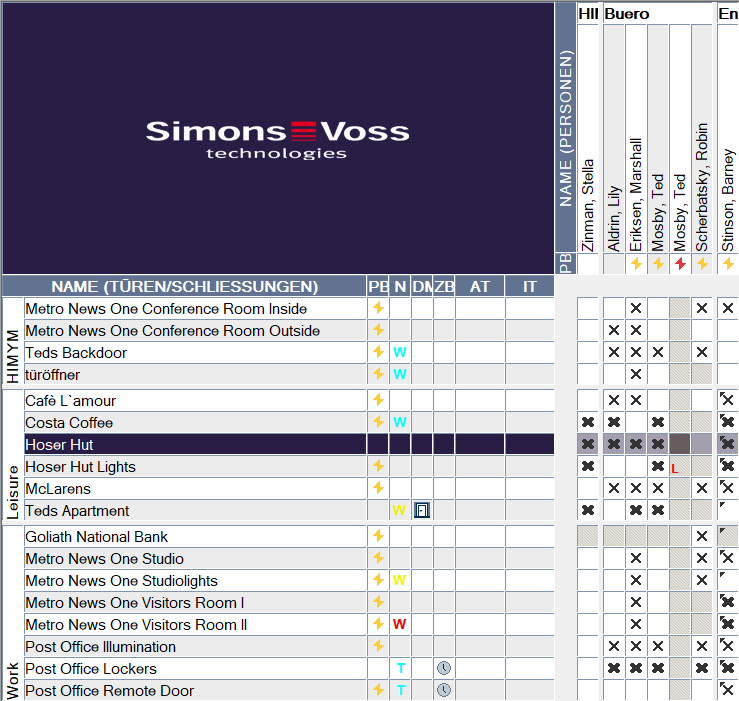
- Select the Digital Cylinder AX, whose access list you want to retrieve.
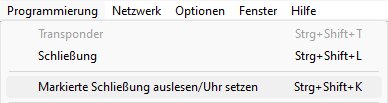
- Use Programming to select the input.
- The Read lock window will open.
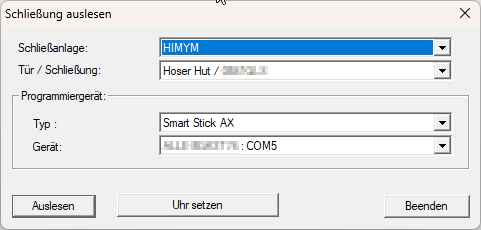
- Click the Read button.
- Locking device is read out.
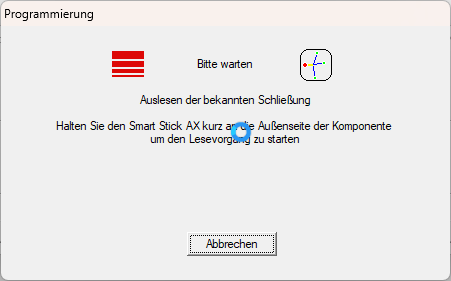
- The AX Schließzylinder window will open.
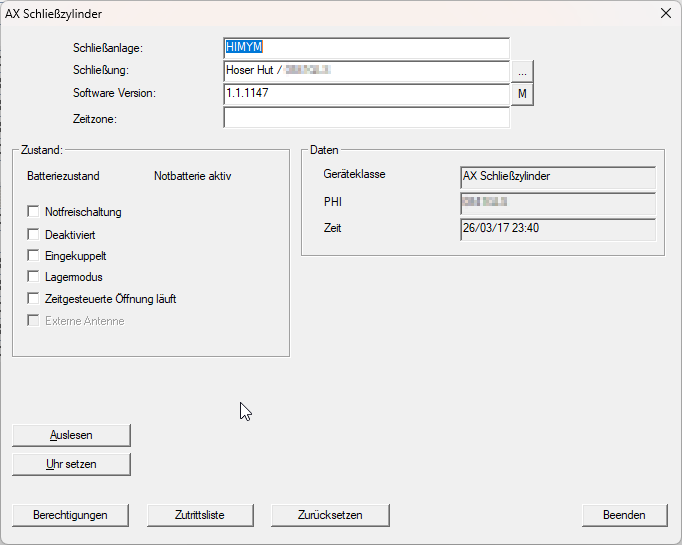
- Click the Audit Trail button.
- The access list is retrieved.
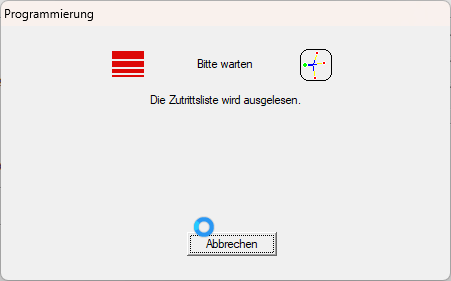
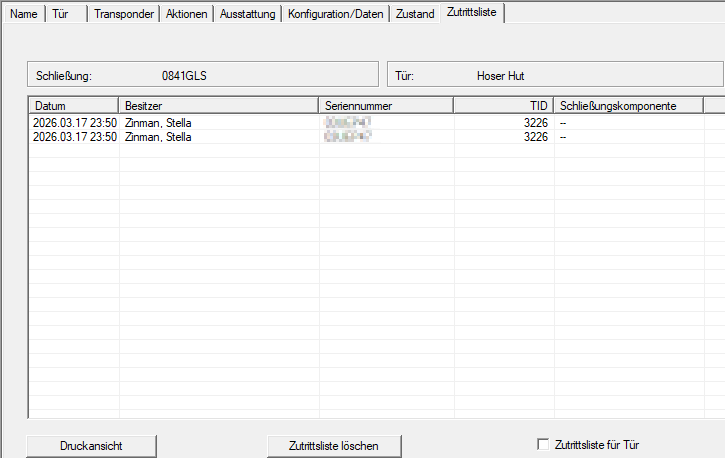
- Access list is displayed.
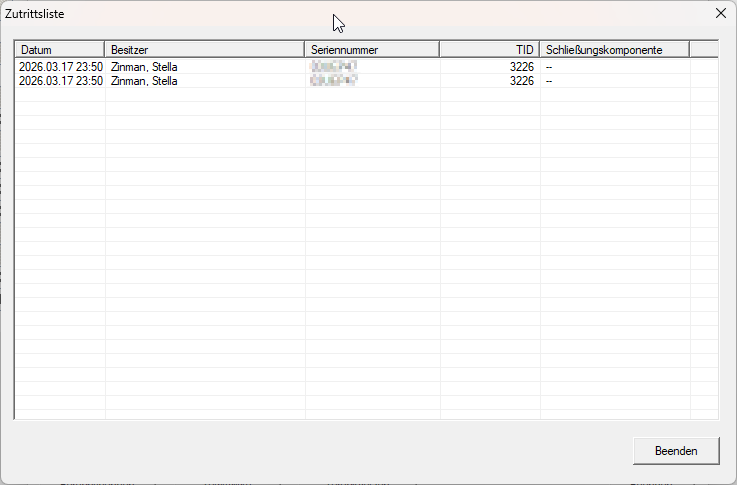
- The access list is retrieved.
You can view the access list at any time in the lock properties once you have accessed it: