Assign PinCode AX to a different locking device - LSM 3.6 SP1 Basic Online
During the creation of the PIN code keypad AX you connected it to a programmed AX locking device (see Create PinCode AX). You can connect the PIN code keypad AX to another programmed AX locking device at any time:
- Another programmed AX locking device is available (see Add new locking device).
- Use to select the input.
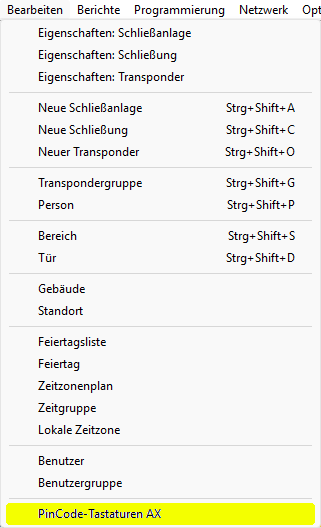
- The window will open.
- Select the PIN code keypad AX that you want to connect with another locking device.
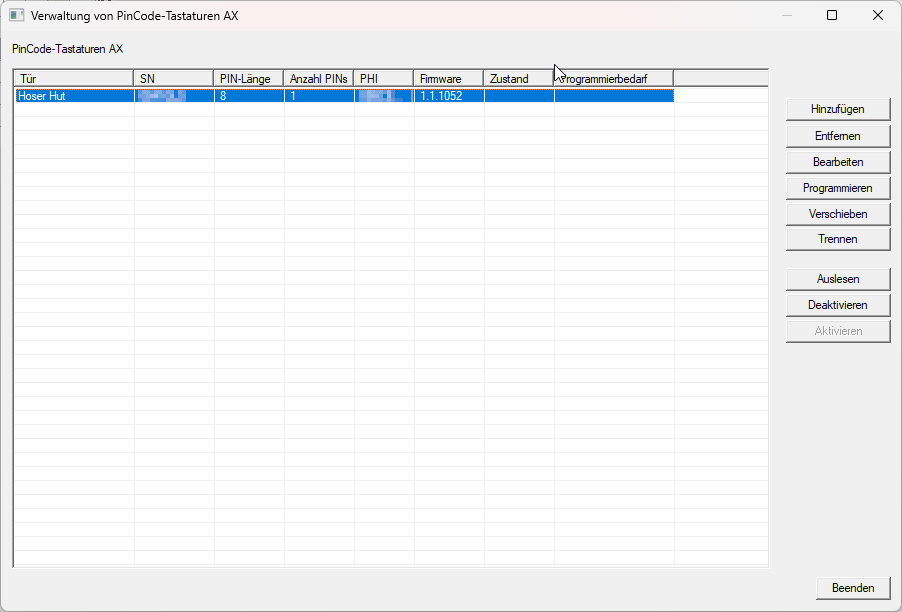
- Click the button.
- The window will open.
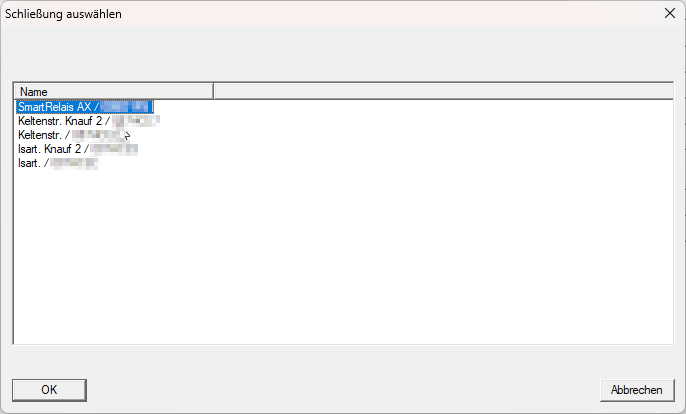
- Select the locking device that you want to connect with the PIN code keypad AX.
NOTE

Only programmed AX locking devices from the database are visible
The PIN code keypad AX can only be connected to AX locking devices that have already been programmed. For this reason, the database will only display the AX locks that are pre-programmed for connection.
- Click on the OK button.
- LSM warns of resulting programming requirement.
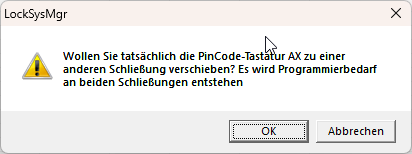
- Click on the OK button.
- The newly connected locking device is displayed in the window .
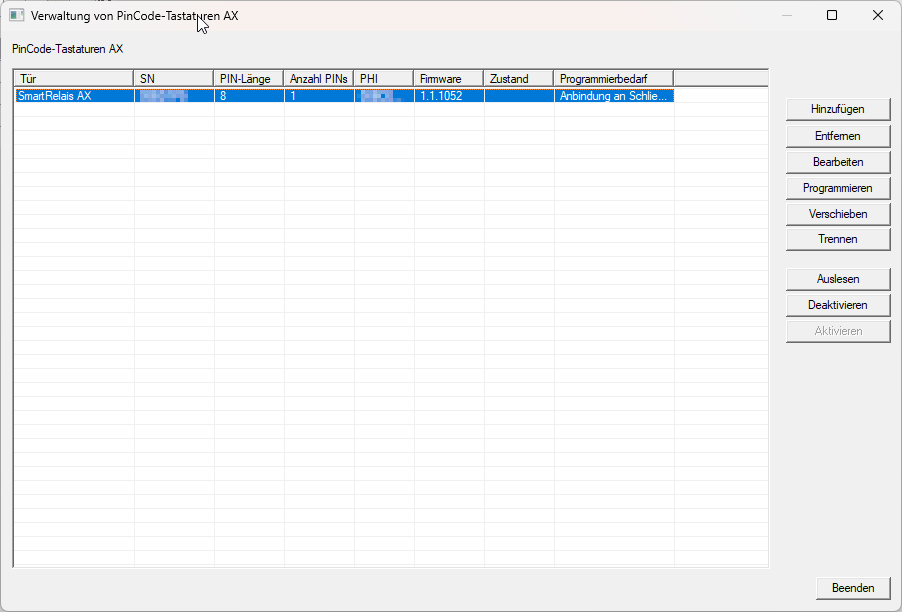
Subsequent programming required:
- Previously connected AX locking device
- Newly connected AX locking device
- PIN code keypad AX