Physical access list - LSM 3.6 SP1 Basic Online
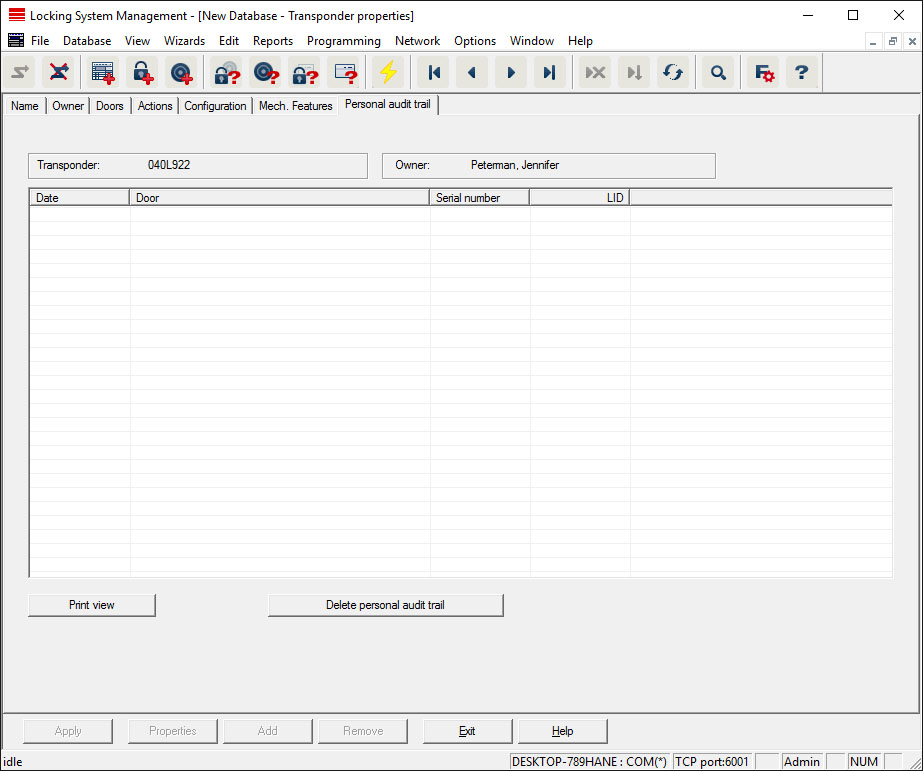
This tab can display the latest version of the physical access list. The "Physical access list" function must be enabled.
How to read the physical access list:
- Read out the transponder via the menu bar Programming/Read out transponder.
- Click on the "Physical access list" button to launch the read process.
- The physical access list is automatically displayed and saved. It can now be displayed in the transponder properties in the Access list tab at any time.
NOTE

Automatically transfer physical access lists for AX2Go LSM 3.6 SP1 and higher
Once the AX2Go has been set up in the LSM (see Initial operation and registration), access records are automatically transferred from the LSM 3.6 SP1 onwards and displayed immediately. Mobile phones do not need to be read out.