VN host - LSM 3.6 SP1 Basic Online
The VN host accesses the LSM database and provides various functions without LSM itself being executed (including gateway).
CAUTION

Install VN host after LSM
The VN host cannot access the database if LSM has not been installed yet and a locking system has been set up. If the VN host does not find a database it can access during installation, problems may arise.
- Install LSM before the VN host.
- Add a locking system.
- Install VN host
- Execute the set-up file (vnhost_setup_3_6_sp1.exe).
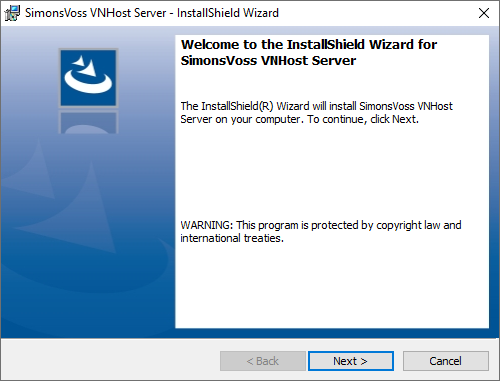
- Follow the installation instructions and install the VN host locally.
- Enter the UNC path to your lsmdb.add (can be copied from the LSM login window) in the Setup VN host database connection window.
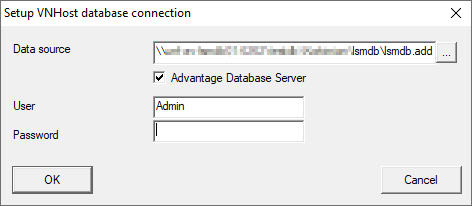
- Enter your LSM user name and your LSM user password.
- If your lsmdb.add is installed locally: disable the
 Advantage Database Server check box.
 - Click on the OK button.
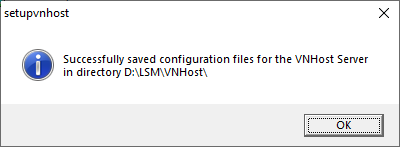
- Connection is established between VN host and database.
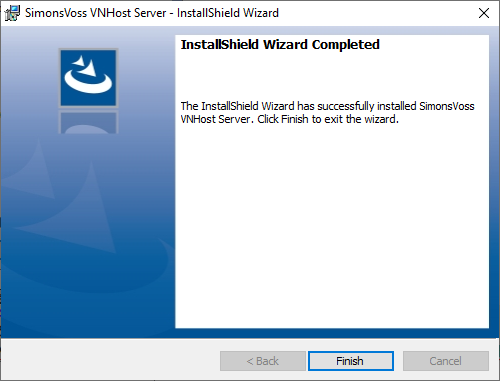
- Installation complete.