Read access list (SmartRelay 3 Advanced) - LSM 3.6 SP1 Basic Online
You can manually read the access lists of your SmartRelais 3 Advanced.
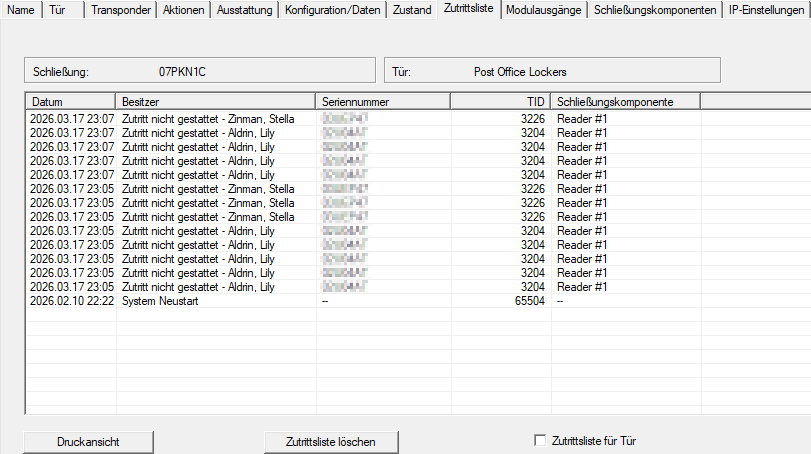
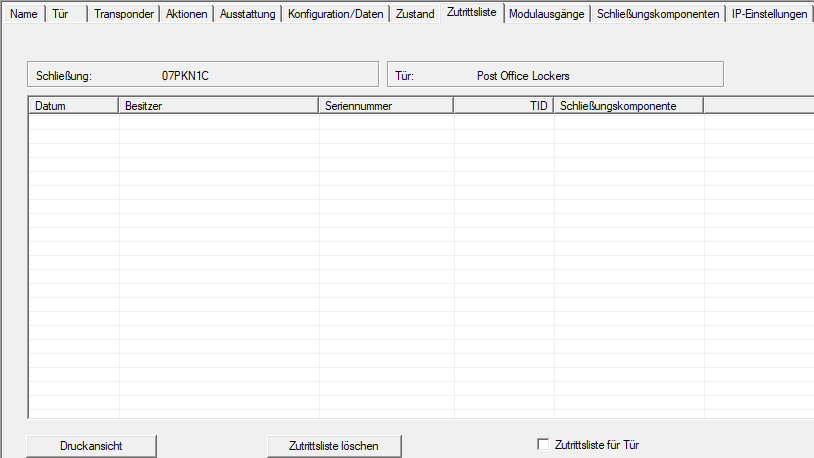
The access list can be viewed in the locking device’s properties. In the example, the access list is initially empty because the SmartRelais 3 Advanced has not yet been retrieved.
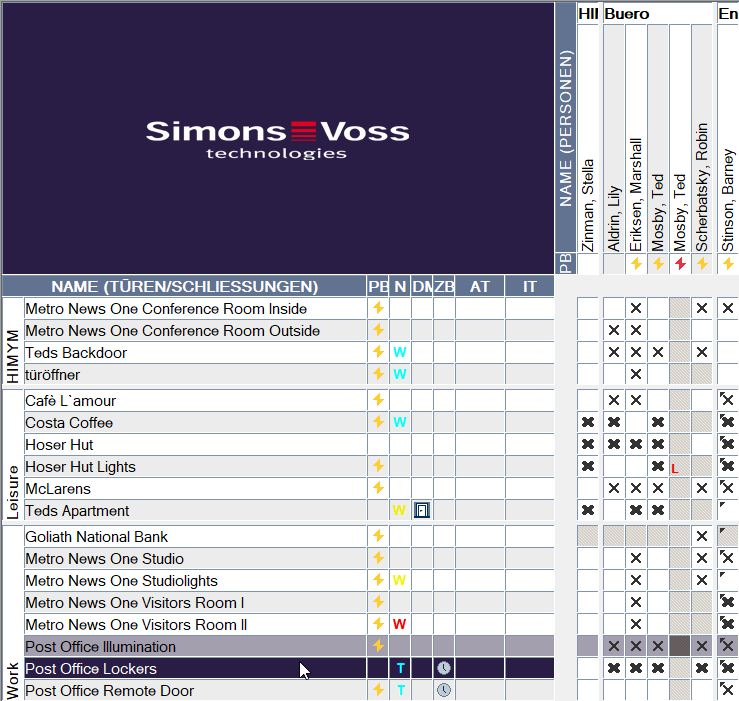
- Select the SmartRelais 3 Advanced, from which you want to read the access list.
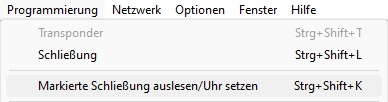
- Use Programming to select the input.
- The Read lock window will open.
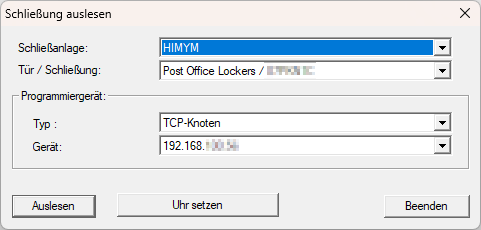
- Click the Read button.
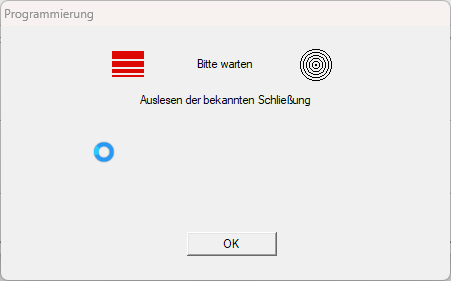
- Locking device is read out.
- The G2 SmartRelais 3 Advanced window will open.
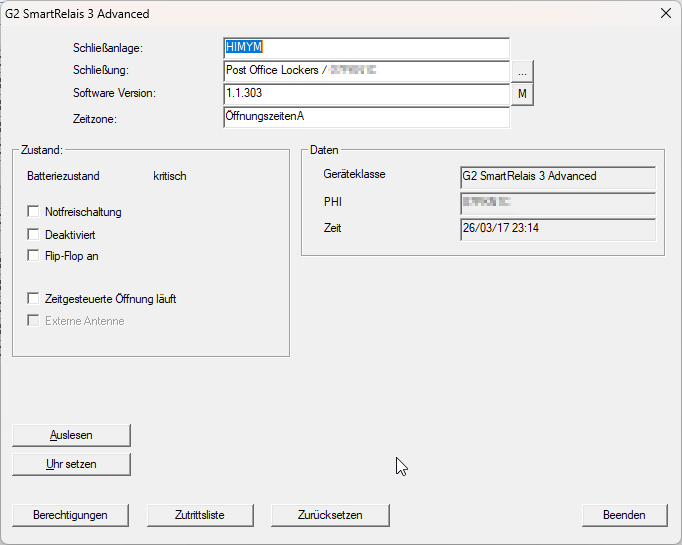
- Click the Audit Trail button.
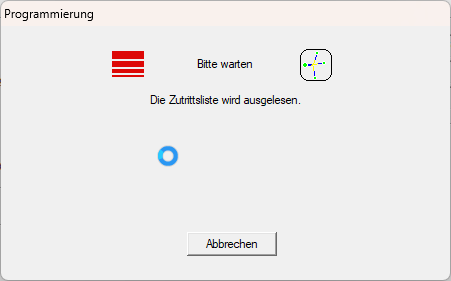
- The access list is retrieved.
- Access list is displayed.
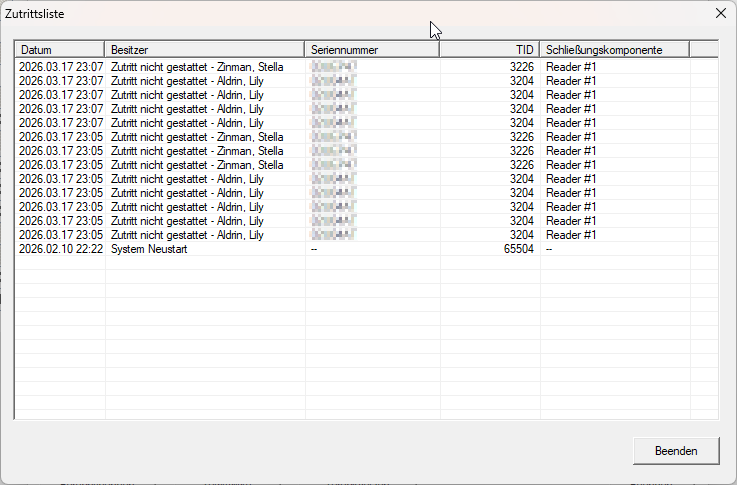
- The access list is retrieved.
You can view the access list at any time in the lock properties once you have accessed it: