Configuration/Data: DoorMonitoring locking cylinder - LSM 3.6 SP1 Basic Online
You can configure the DoorMonitoring functions in the locking device using the "Monitoring configuration" button on the "Configuration/Data" tab on the locking cylinder (see also Putting DoorMonitoring locks into operation).
This function is only available if the locking cylinder features the DM function and this was also directly added into the LSM software as "G2 cylinder DoorMonitoring".
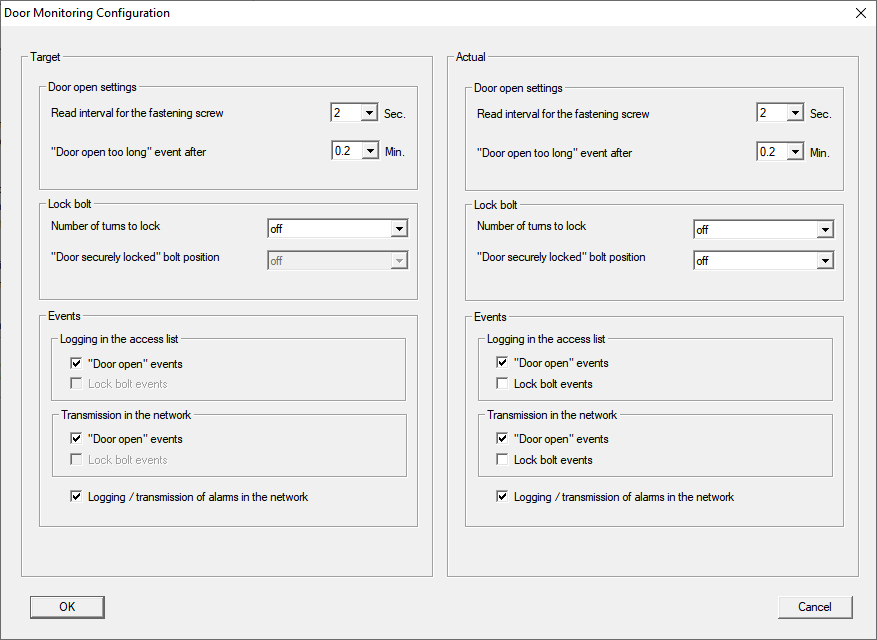
Activate the required changes in the left hand "Target area".