Name - LSM 3.6 SP1 Basic Online
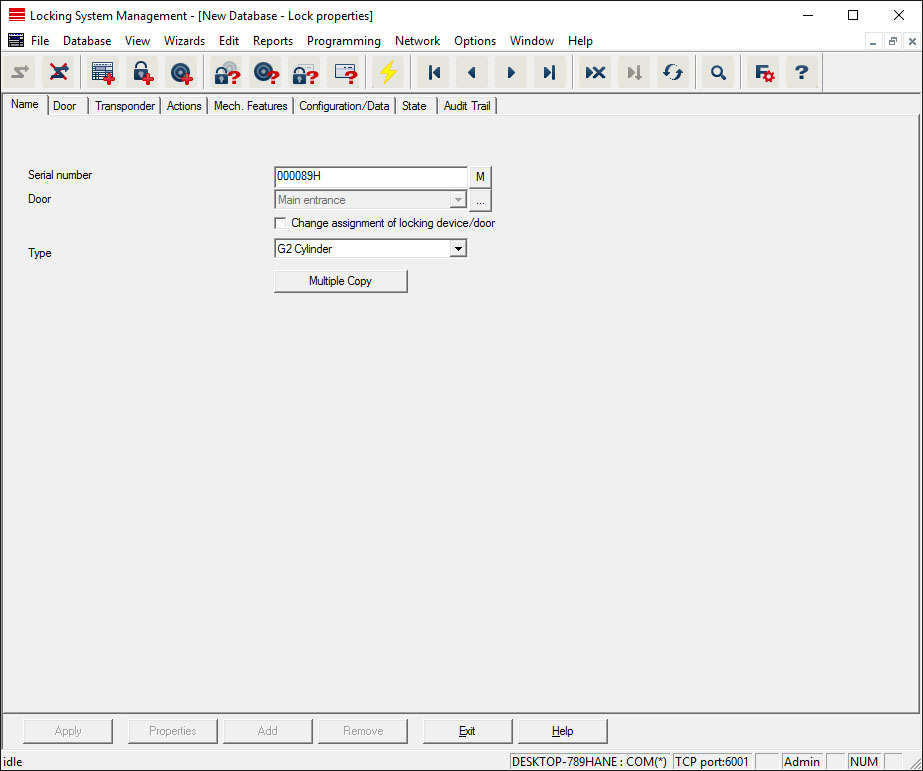
- Serial number
- Displays the locking device's serial number. The "..." button shows the door's properties.
- Door
- The door assigned to the locking device can be changed if the "Locking device assignment/Change door" checkbox is enabled. The "M" button shows the locking device in the matrix.
- Type
- Type of locking device.
- Make multiple copies
- Generates as many copies of the locking device with the same properties as required. A sequential number is also added to the name of the locking device.