Change configuration - LSM 3.6 SP1 Basic Online
You have two options for using cards.
- You can use cards that have already been used.
- You can use new cards.
In both cases, enter the card type, the configuration and, if necessary, the sectors to be described (see Overview).
Configuring the card
- LSM open.
- Switch to the locking system whose card management you want to change.
- Click on the button to open the properties of the locking system....
- Change to the tab G2 card management.
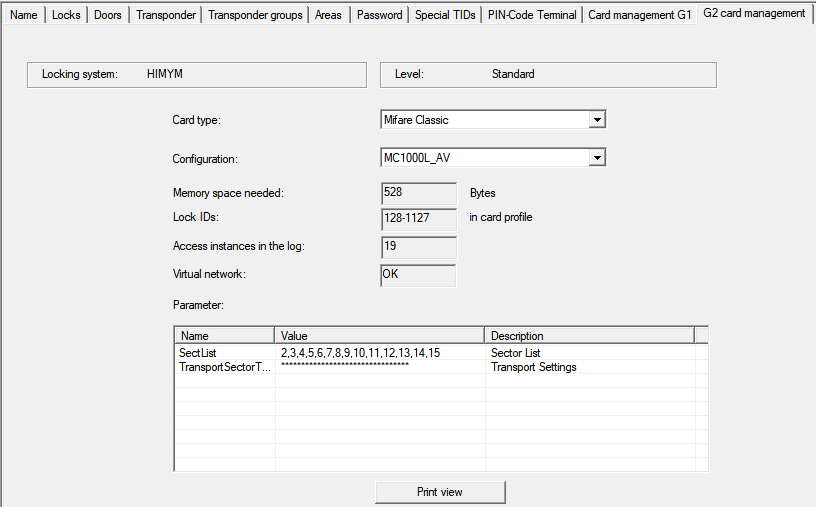
- In the dropdown menu select your card type.
- In the dropdown menu select your configuration.
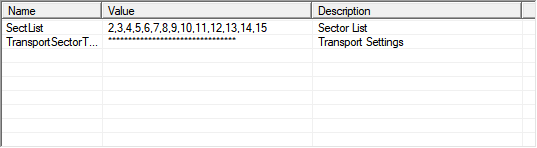
- If necessary, enter further parameters such as sectors (e.g: 2,3,4,5,6,7,8,9,10,11,12,13,14,15).
- Click on the Apply button.
- You have changed the configuration.